Y2K Apparel Mockup Bundle

Y2K Apparel Mockup Bundle

$90.00 $63.00
-30%
Compatible With: Adobe Photoshop Adobe Photoshop , Photoshop Photoshop , PSD PSD

Description

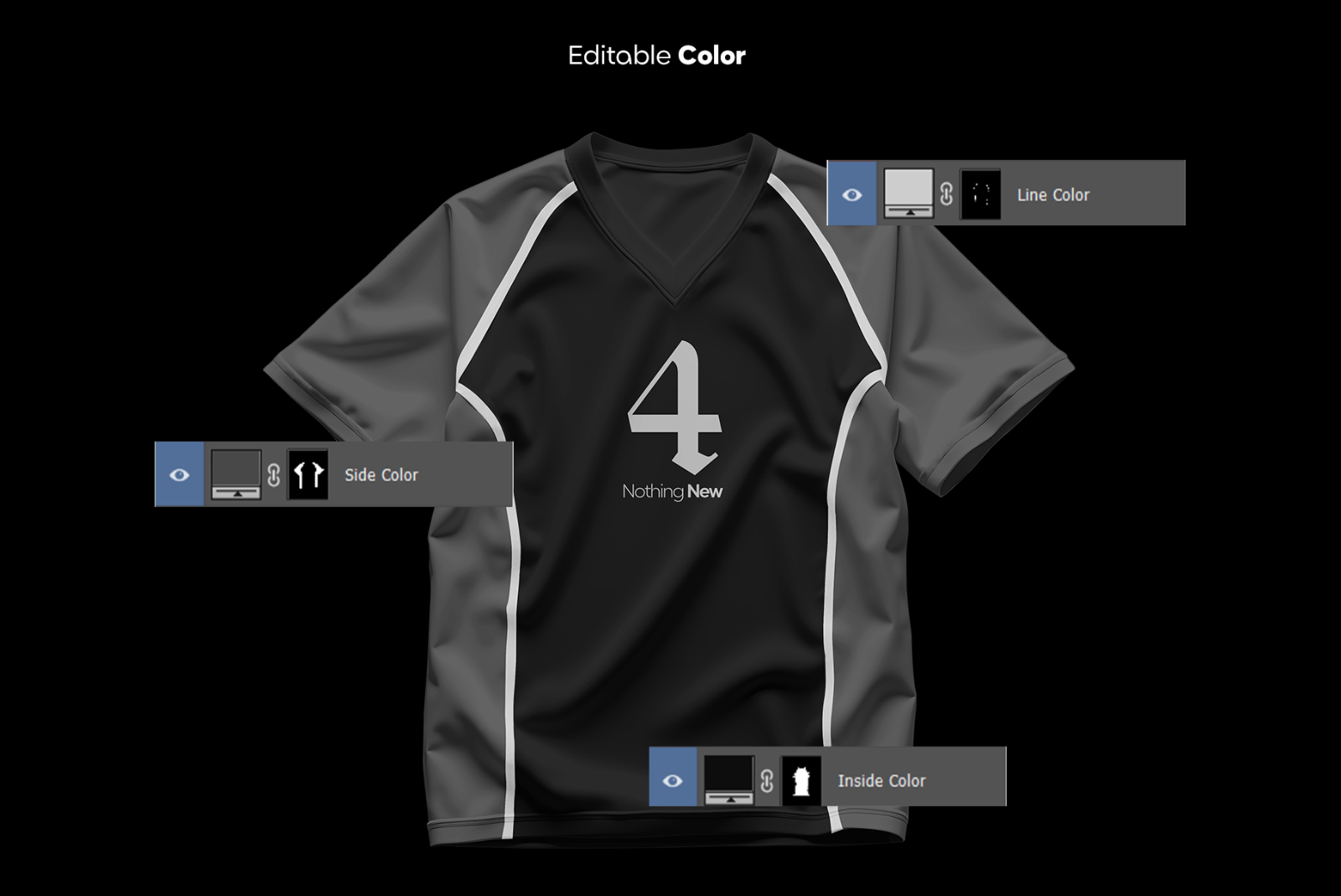
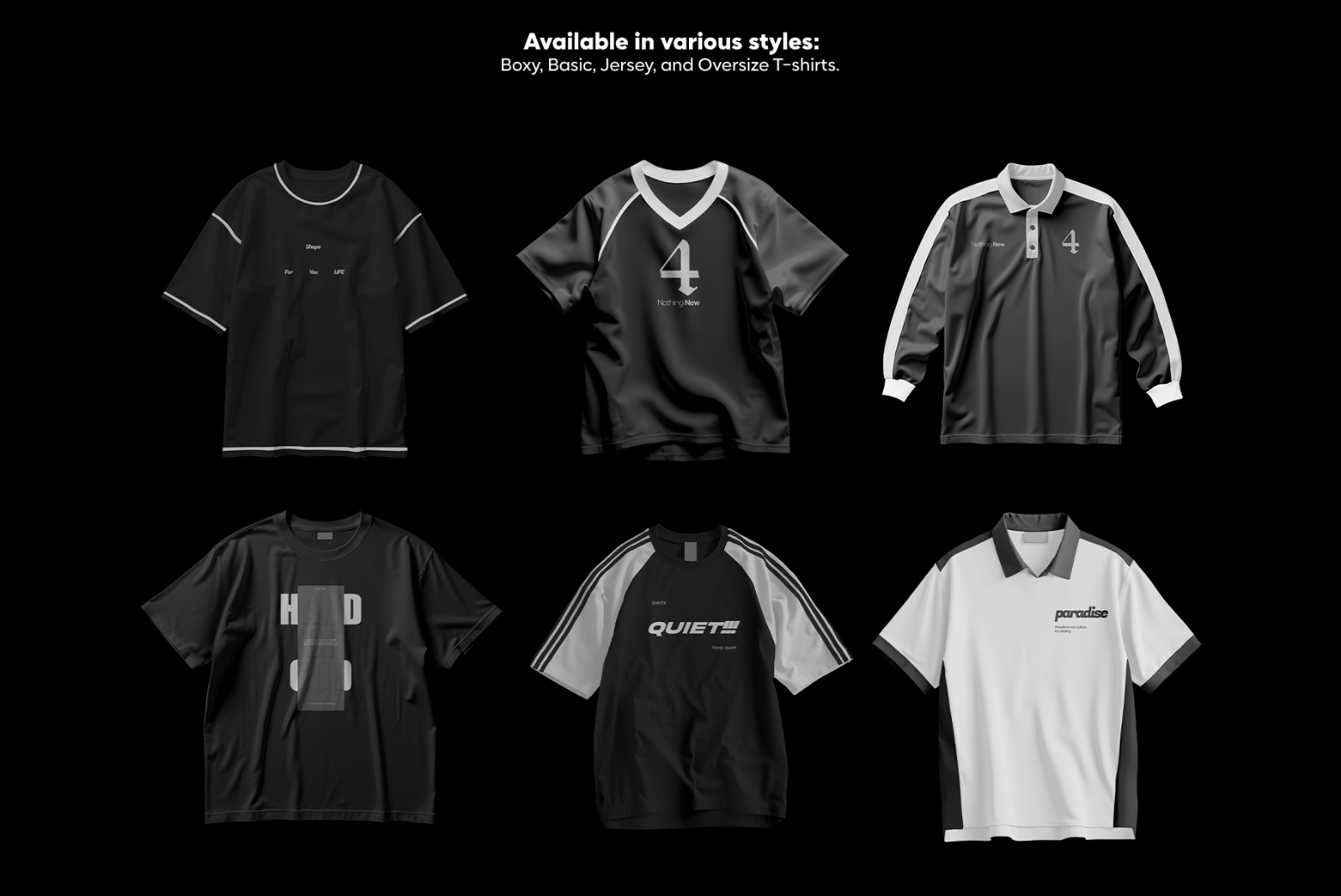
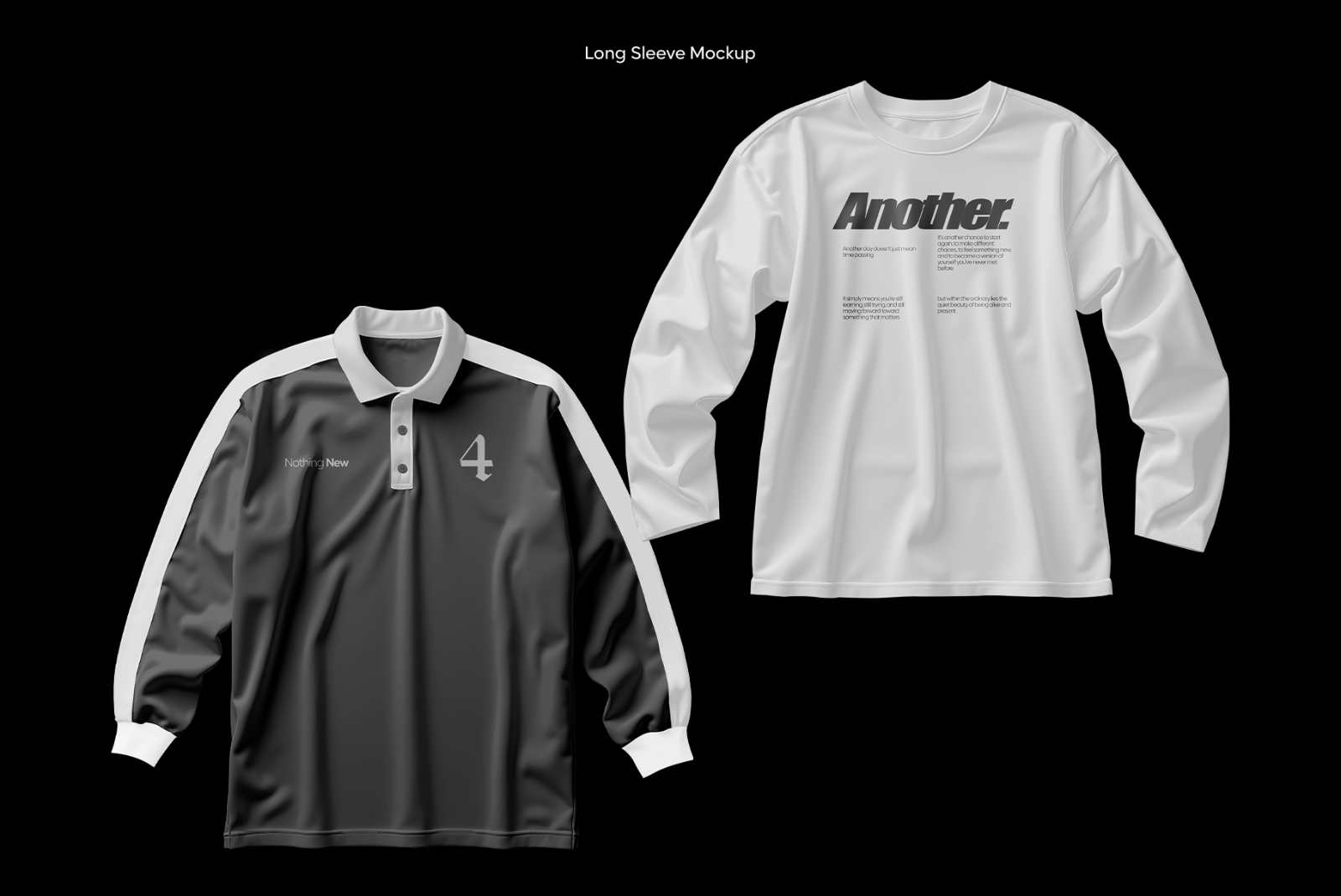
A premium 20‑scene Y2K apparel mockup bundle featuring raglan tees, polos, oversized tees, and retro contrast shirts. Fully editable PSDs with Smart Objects and fabric color control.

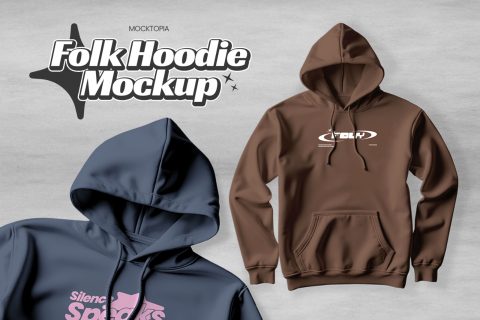
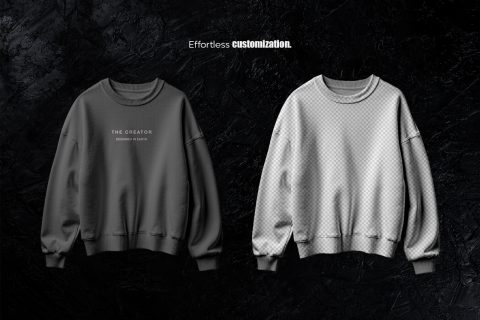
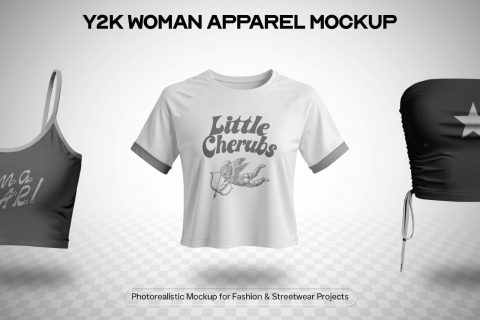
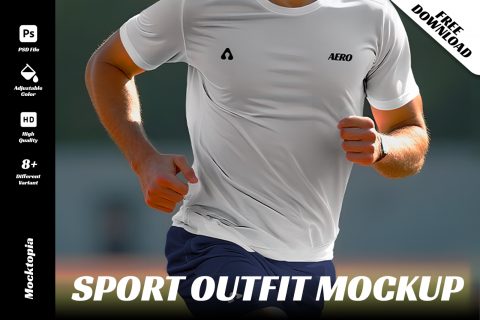
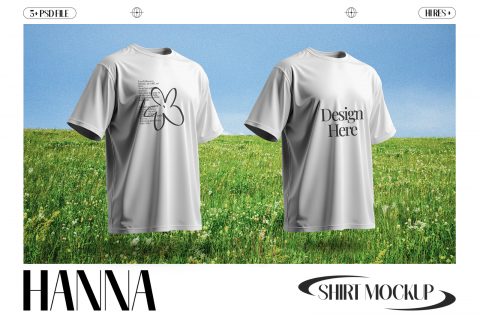
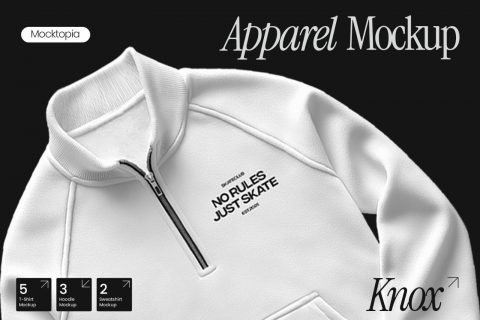
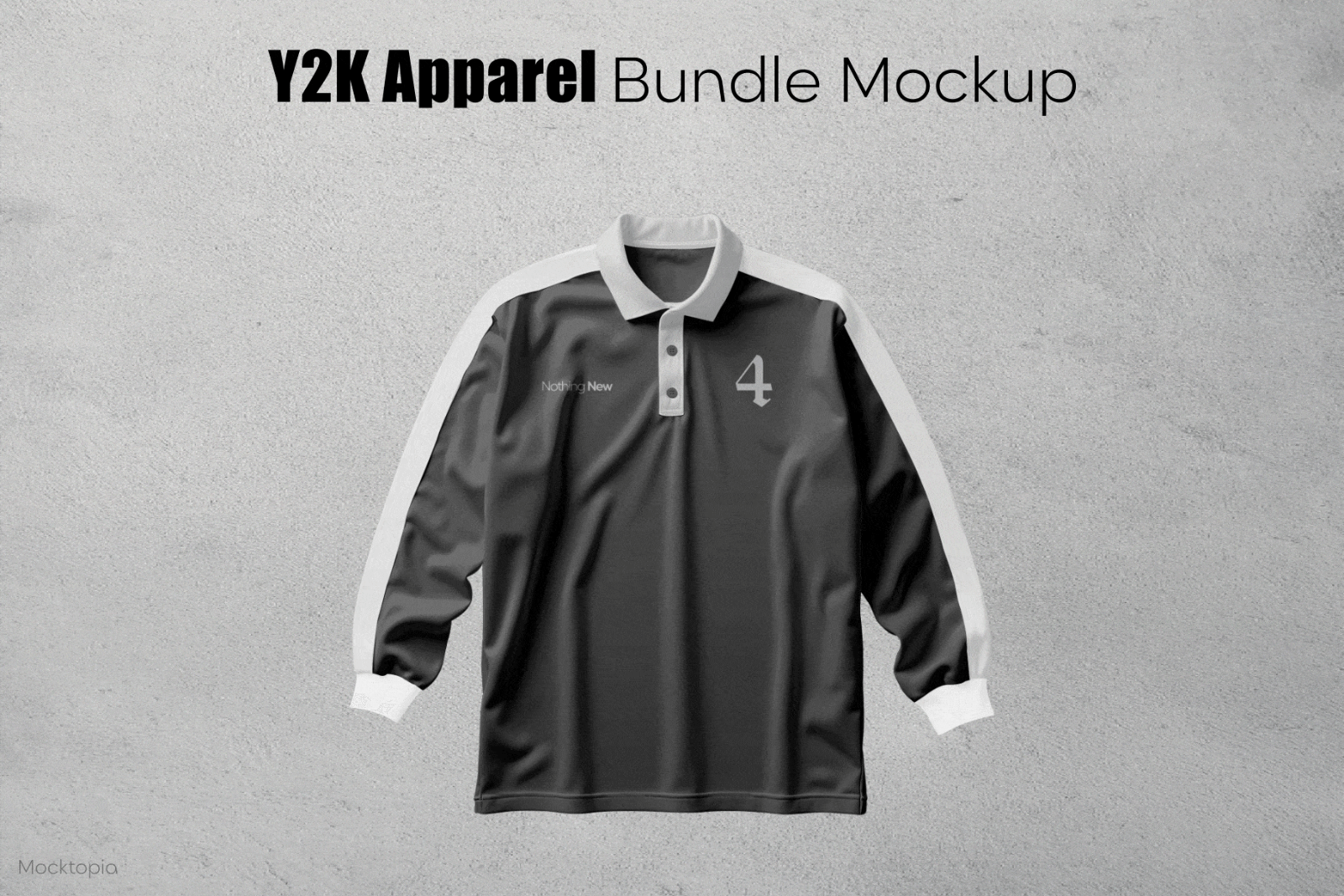
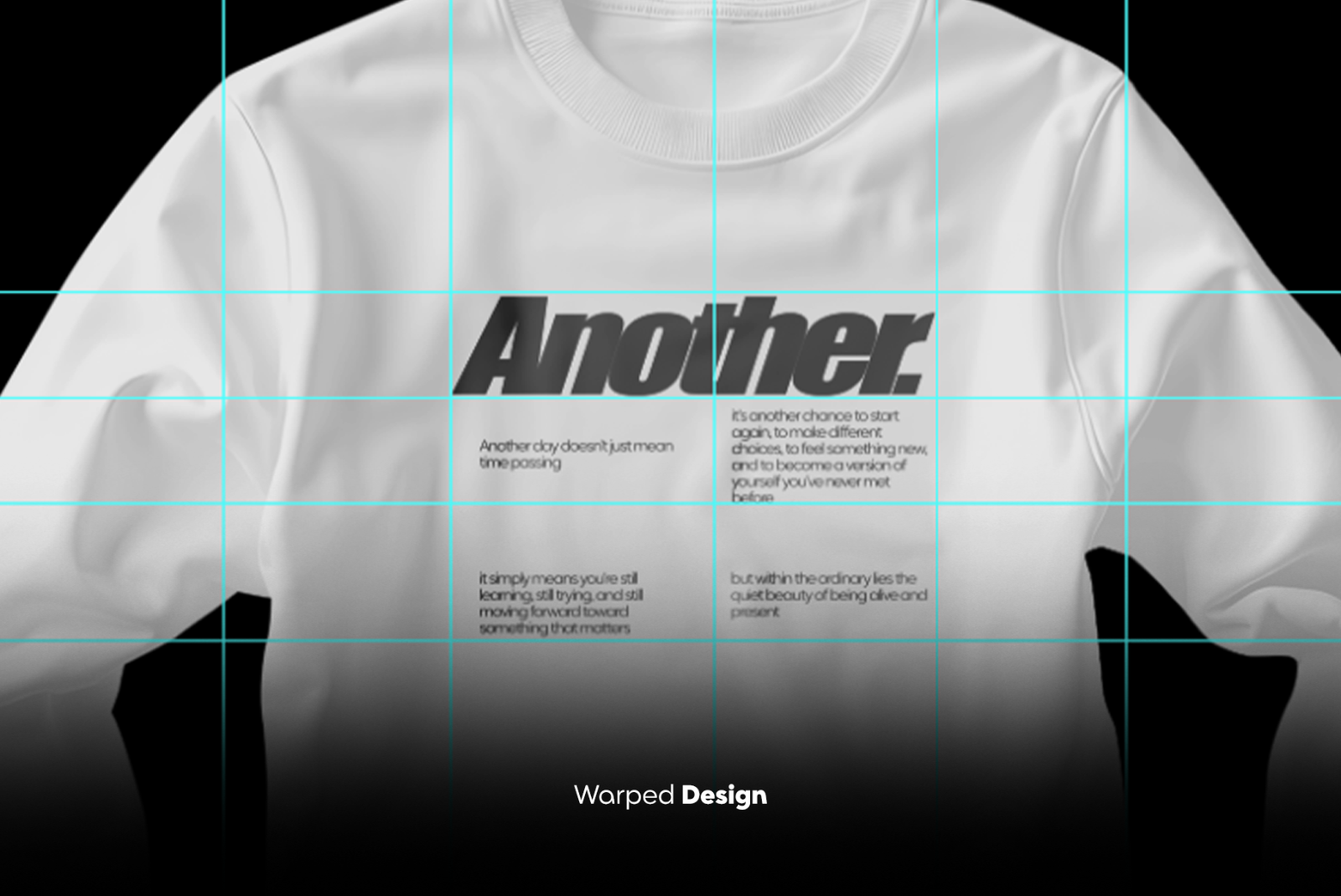
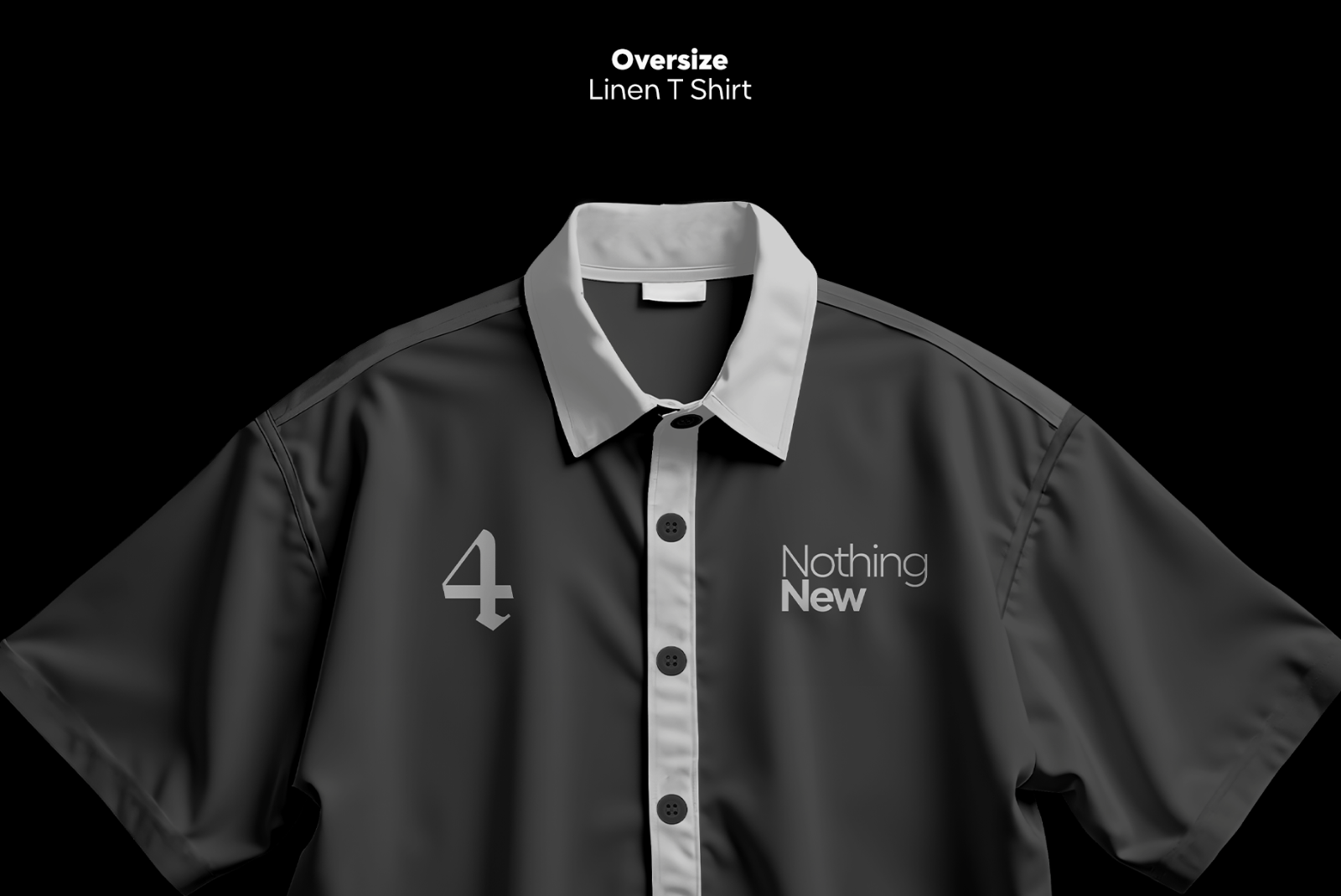
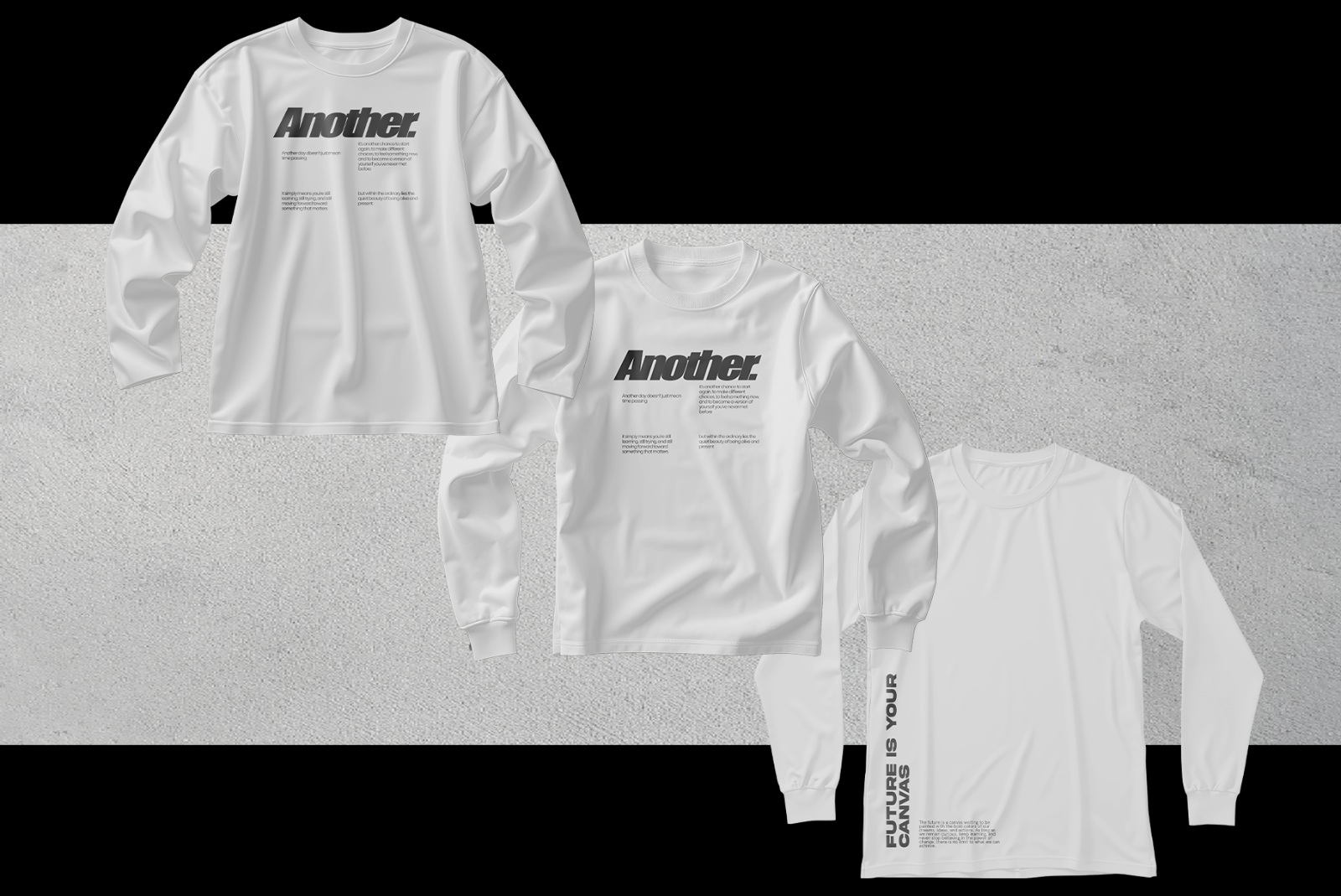
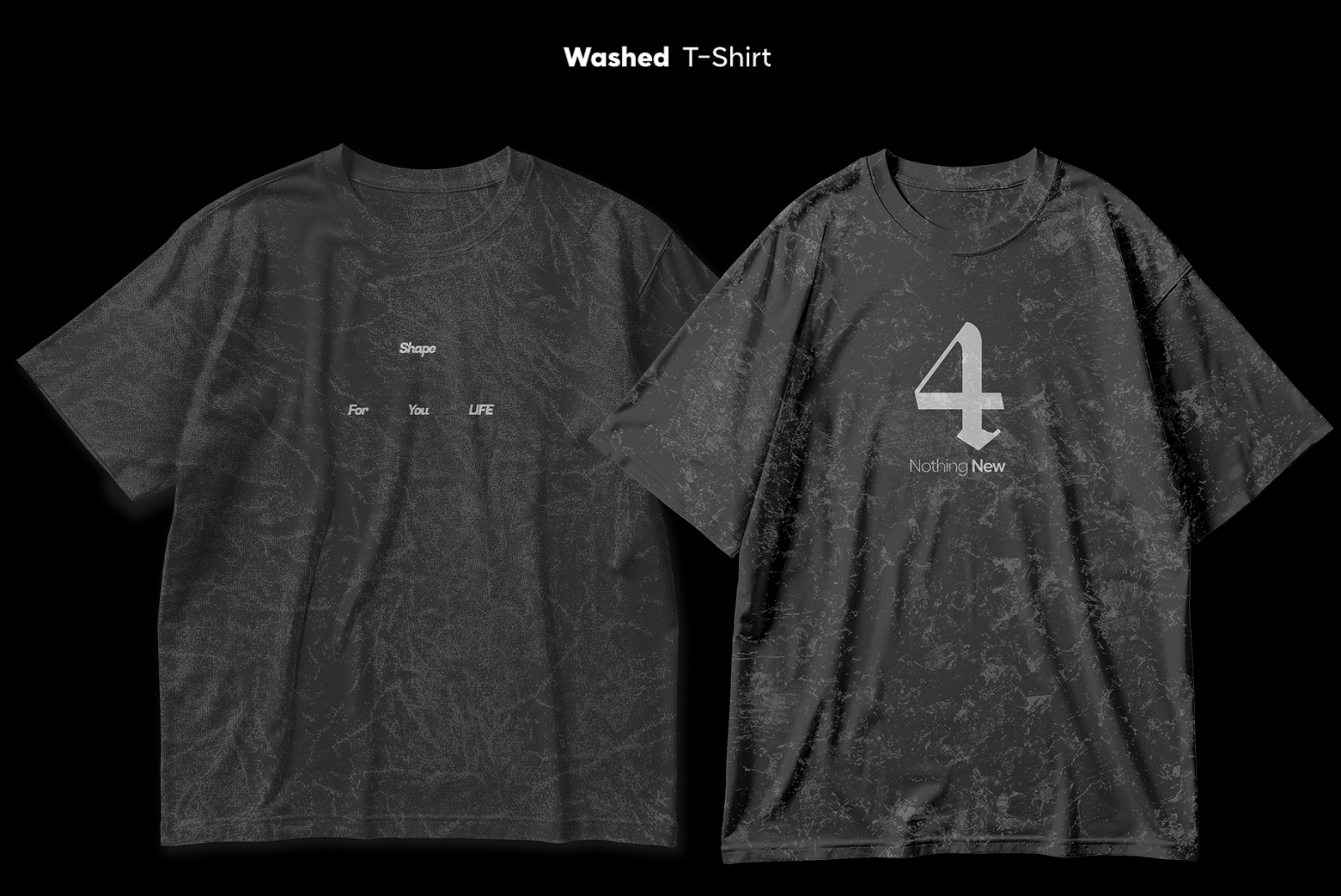
The Y2K Apparel Mockup Bundle (20 PSD) is a complete collection of retro-inspired apparel mockups designed for streetwear brands, merch creators, and digital fashion designers. This bundle captures the nostalgic early‑2000s aesthetic with clean studio lighting, modern minimal styling, and realistic fabric details. Each file includes Smart Object editing and full fabric color control, making it perfect for product listings, clothing catalogs, and brand presentations.

What’s Included (20 PSD)

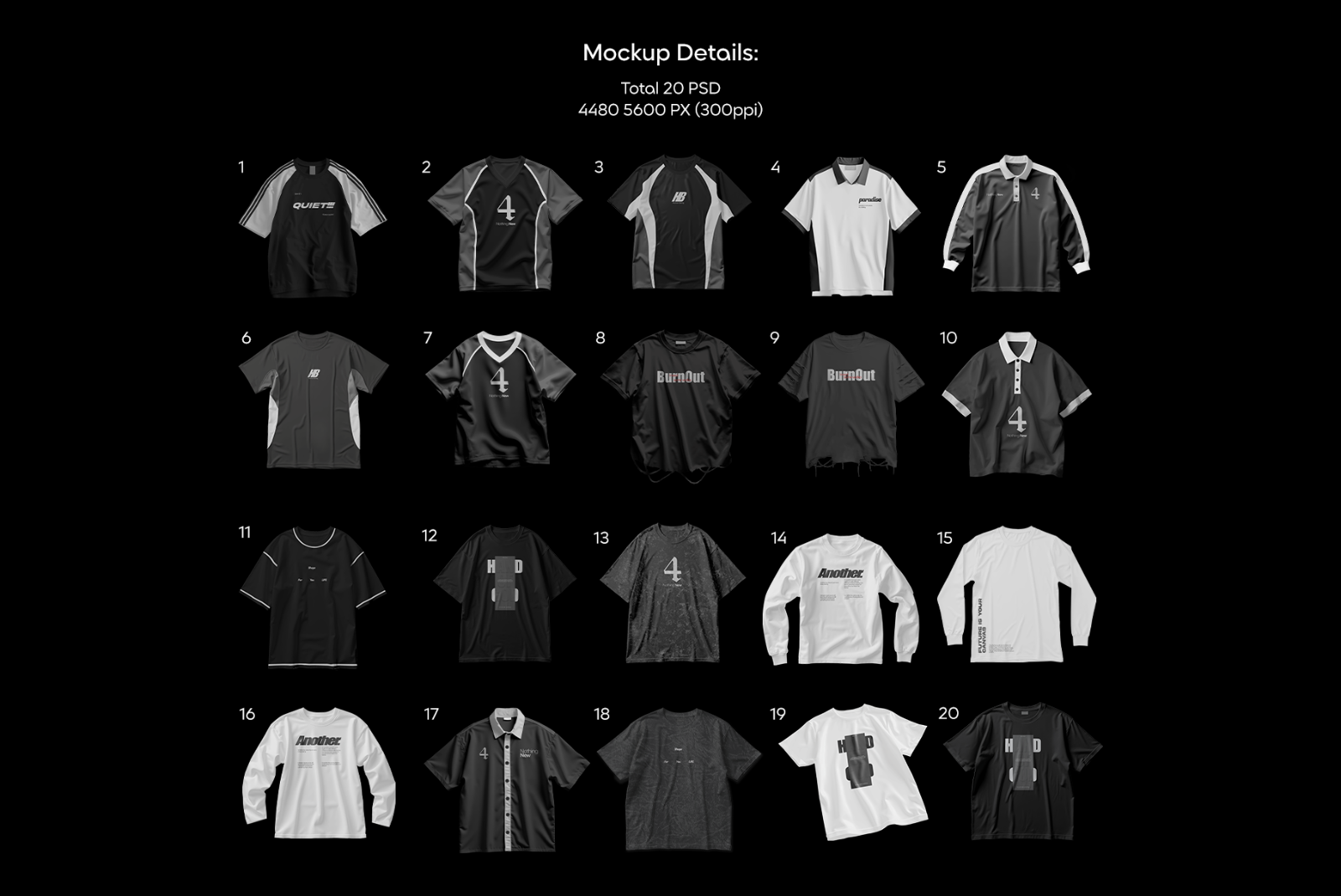
Includes a diverse range of Y2K apparel silhouettes:

  • Raglan Y2K shirts
  • Retro polo shirts
  • Oversized tees
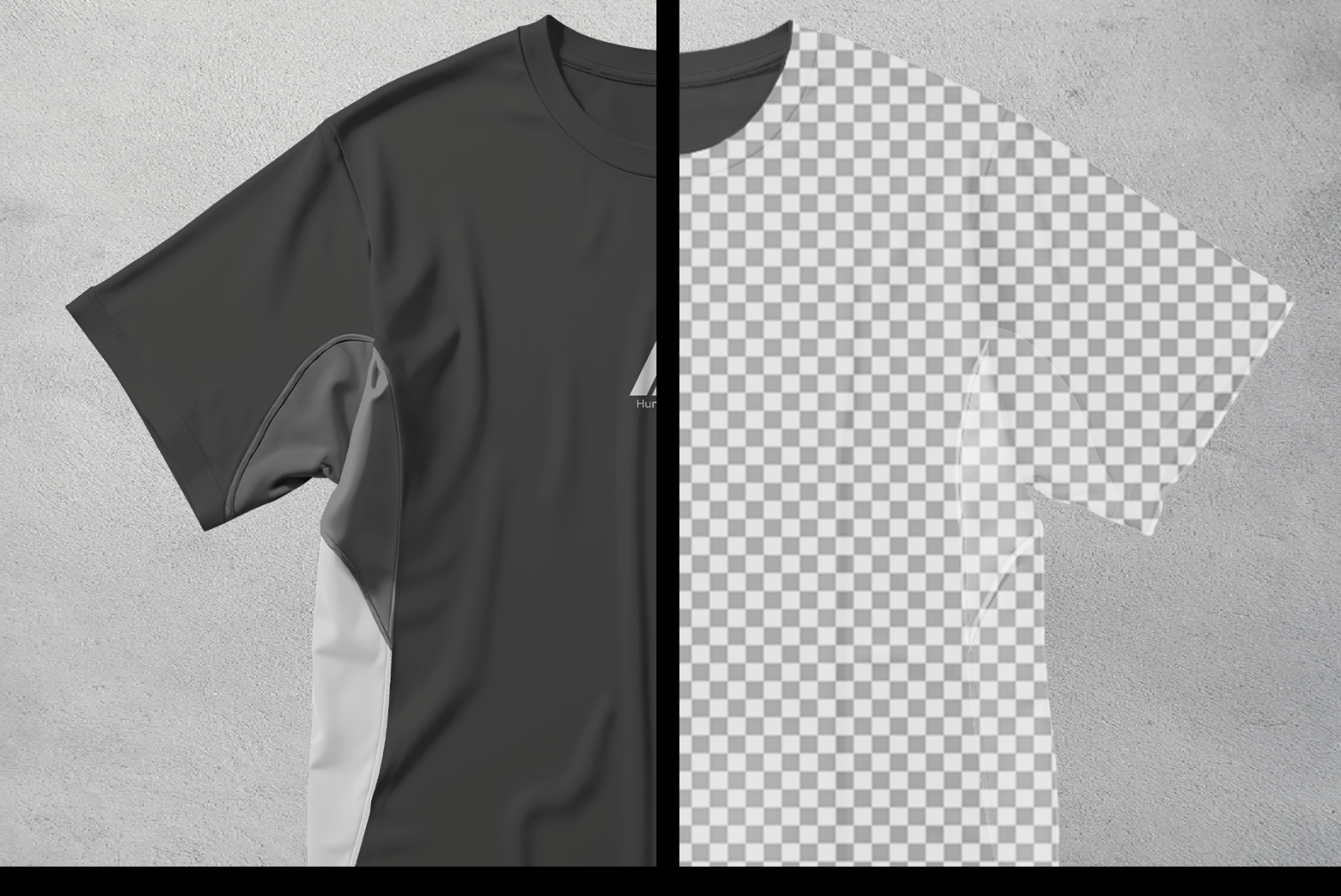
  • Contrast panel tees
  • Basic tees in studio lighting
  • Layered shirts
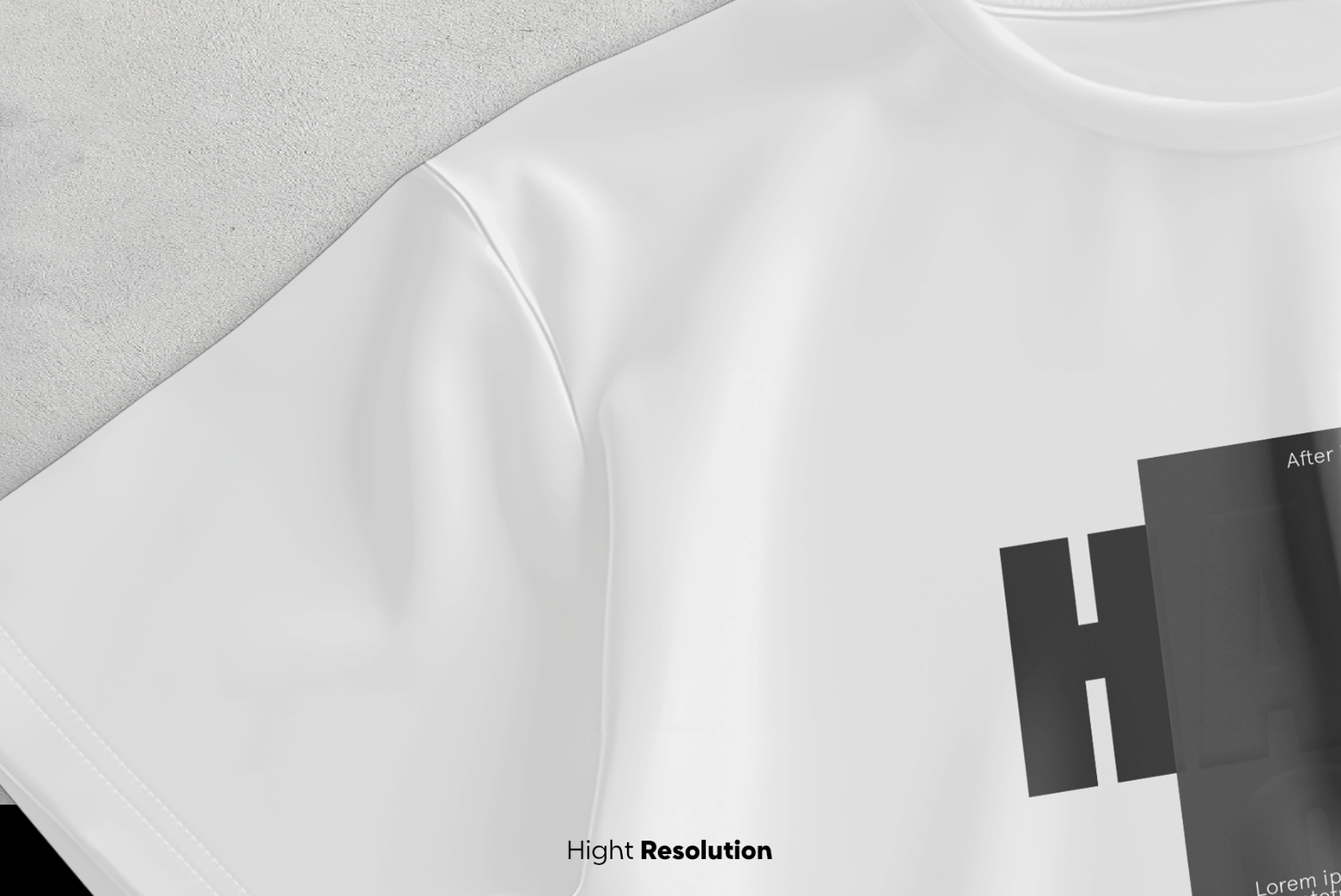
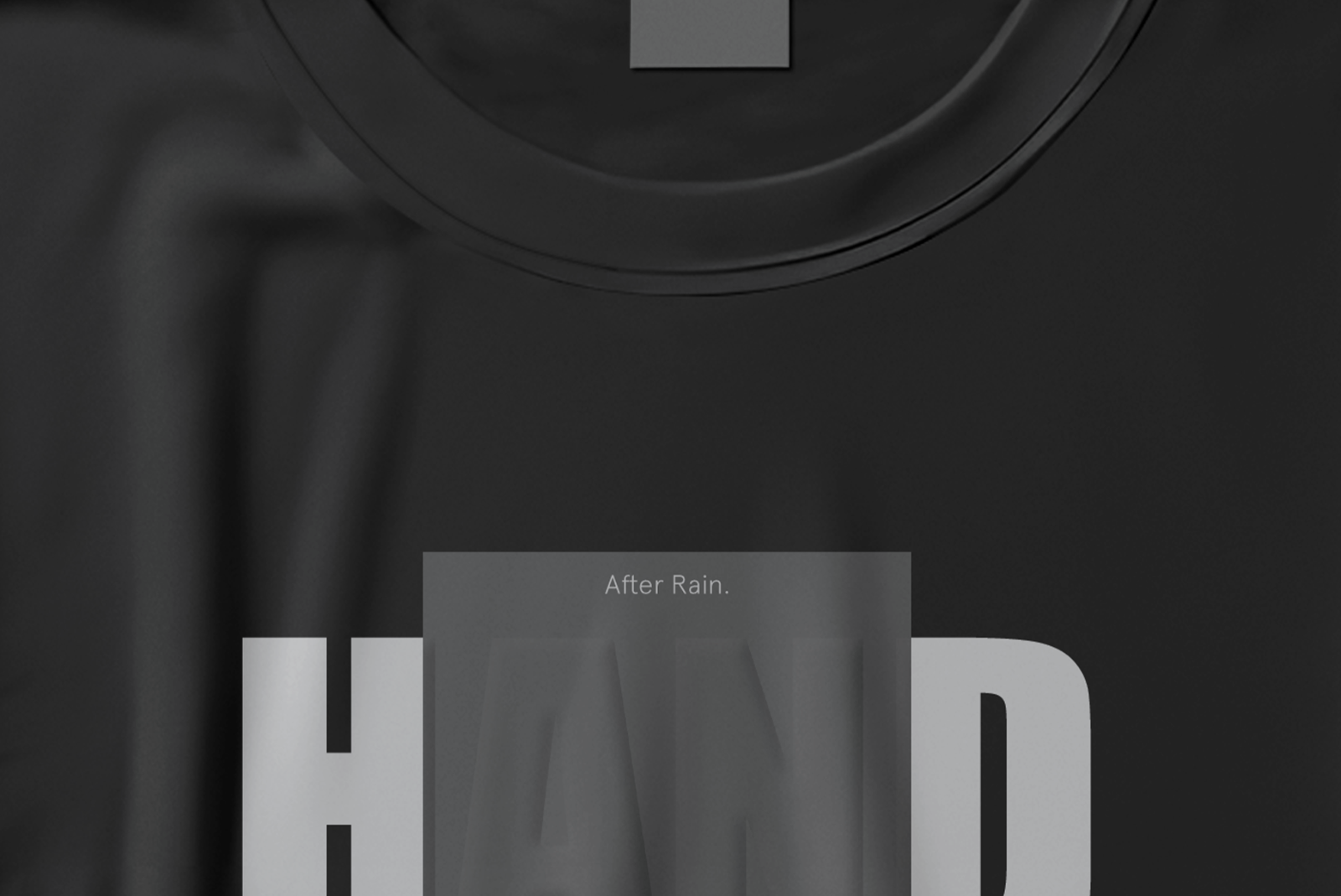
  • Close-up detail scenes (necklines, textures, stitching)
  • Front/back variants
  • Grayscale & clean neutral backgrounds

All files include:

  • Smart Objects
  • Fabric color layers
  • Realistic folds
  • Adjustable shadows
  • Organized/labeled layers

Key Features

  • 20 high-resolution PSD mockups
  • Modern Y2K-inspired layouts
  • Full fabric color adjustments
  • Smart Object design placement
  • Realistic shadowing and fabric texture
  • Multiple shirt types & design angles
  • Ideal for streetwear, Y2K, and merch brands

Ideal For

  • Fashion designers
  • Apparel brands
  • POD sellers
  • Streetwear creators
  • Lookbooks & catalogs
  • Online stores (Etsy, Shopify, Instagram shops)
  • Branding portfolios

How to Use

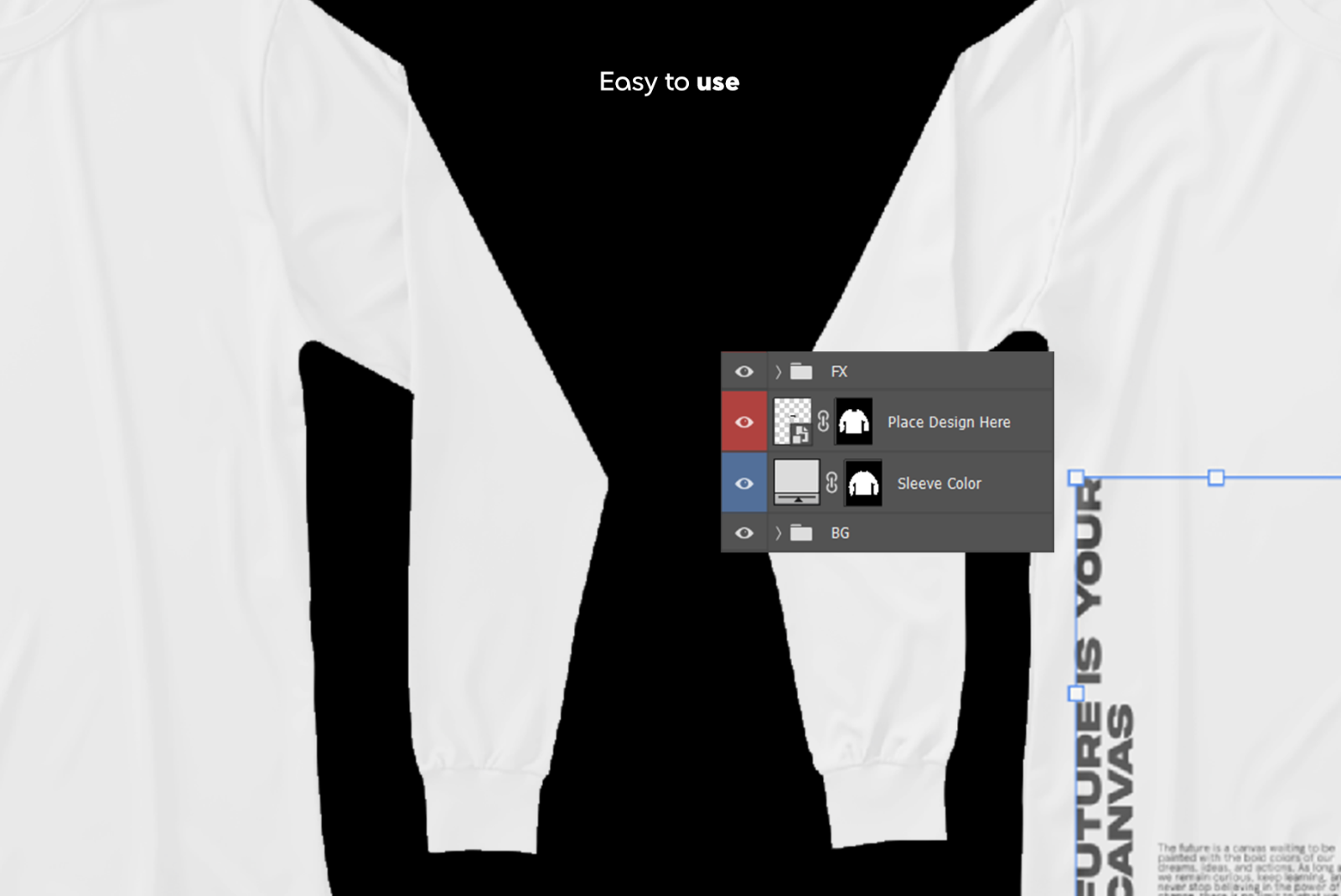
  1. Open a PSD in Photoshop
  2. Double-click the Smart Object
  3. Insert your design
  4. Edit fabric color layers
  5. Save & export your final visual

Requirements & Notes
  • Adobe Photoshop required
  • Designs and fonts are not included
  • Mockups are model-free (studio apparel only)

Please sign in to post a comment

No reviews found!