Clara FNB Packaging Mockup Bundle

Clara FNB Packaging Mockup Bundle

$36.00 $28.80
-20%
Compatible With: Adobe Photoshop Adobe Photoshop

Description

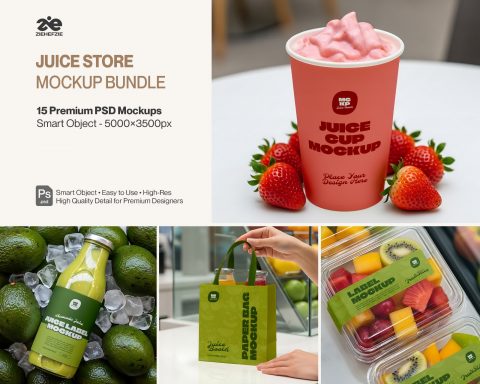
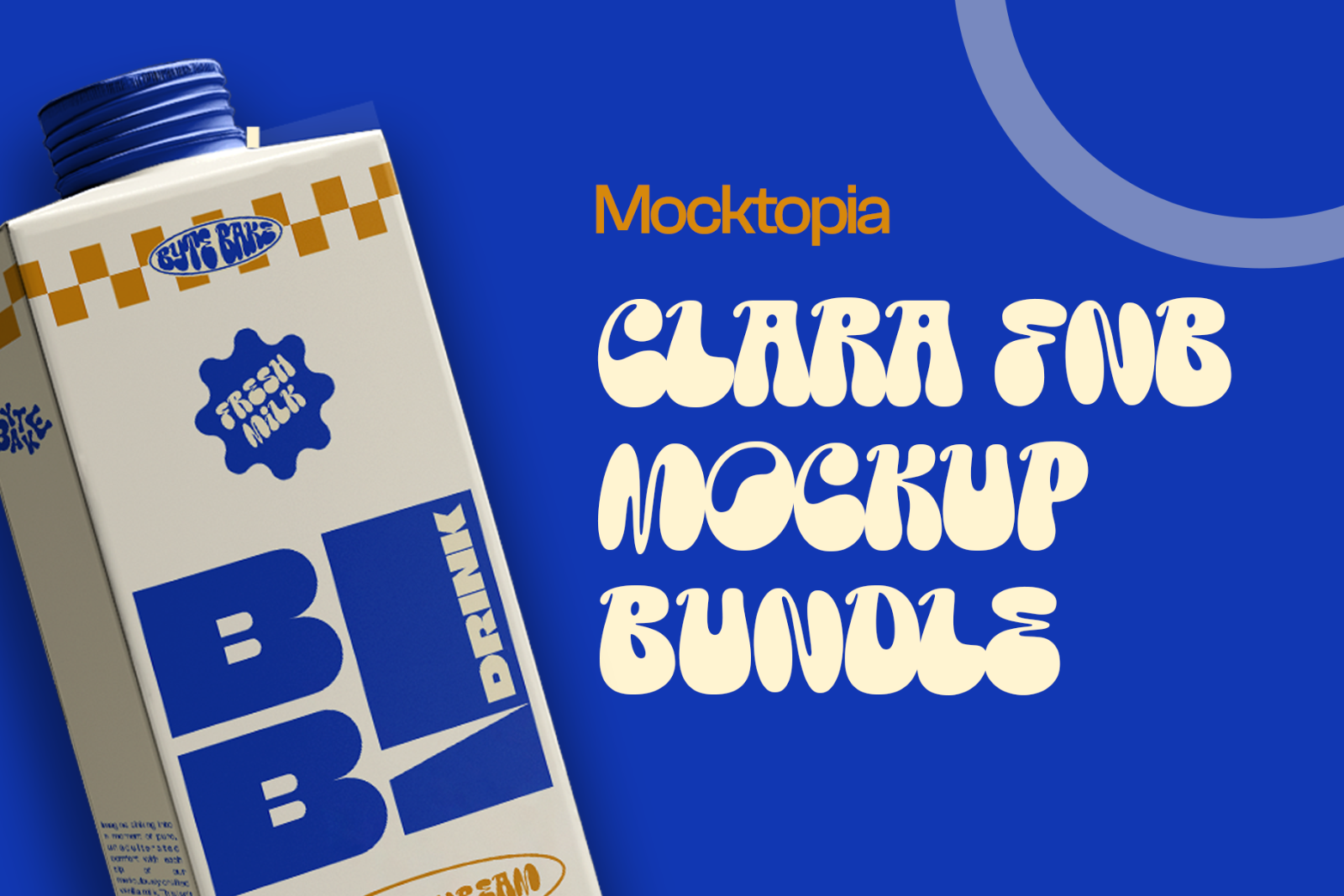
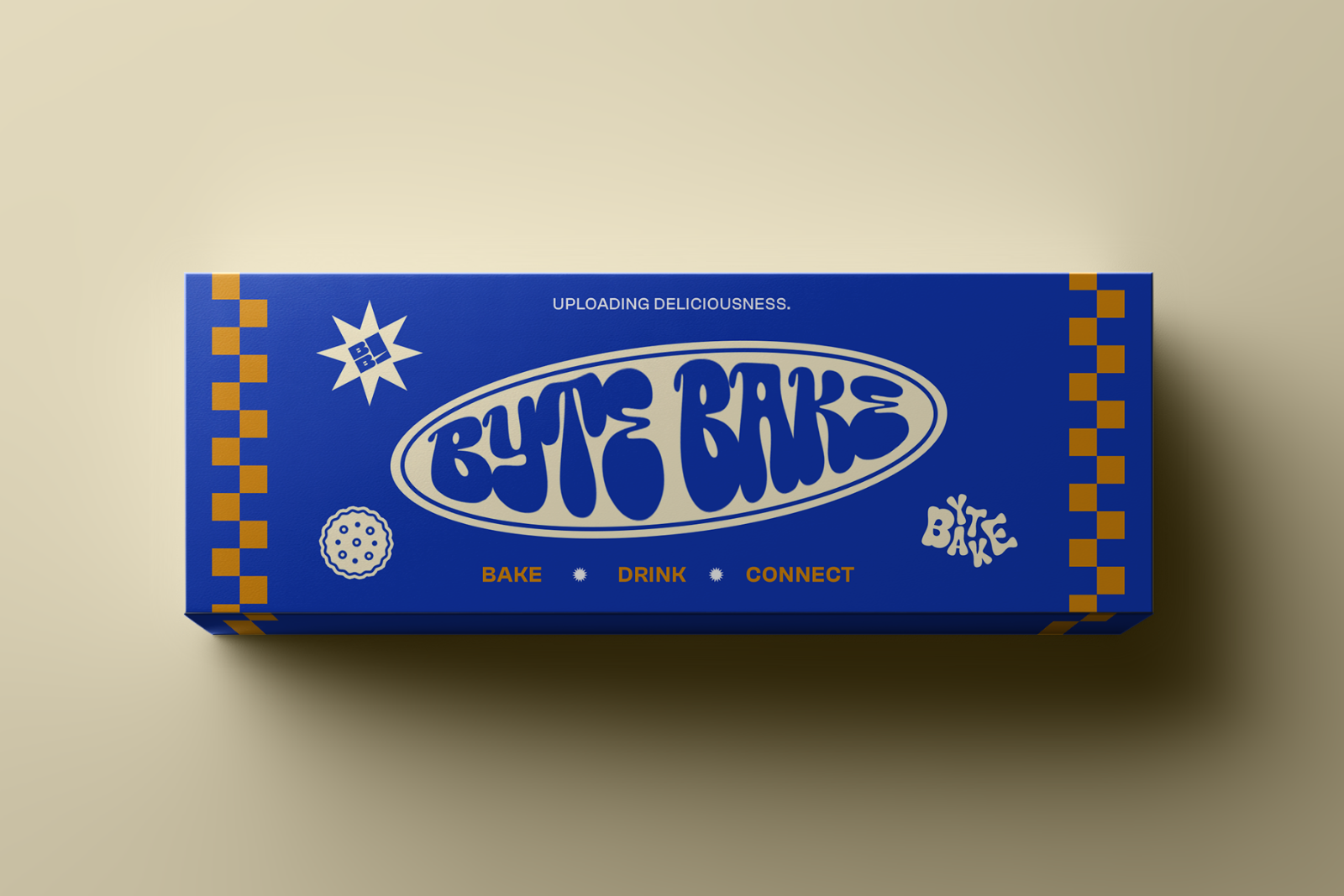
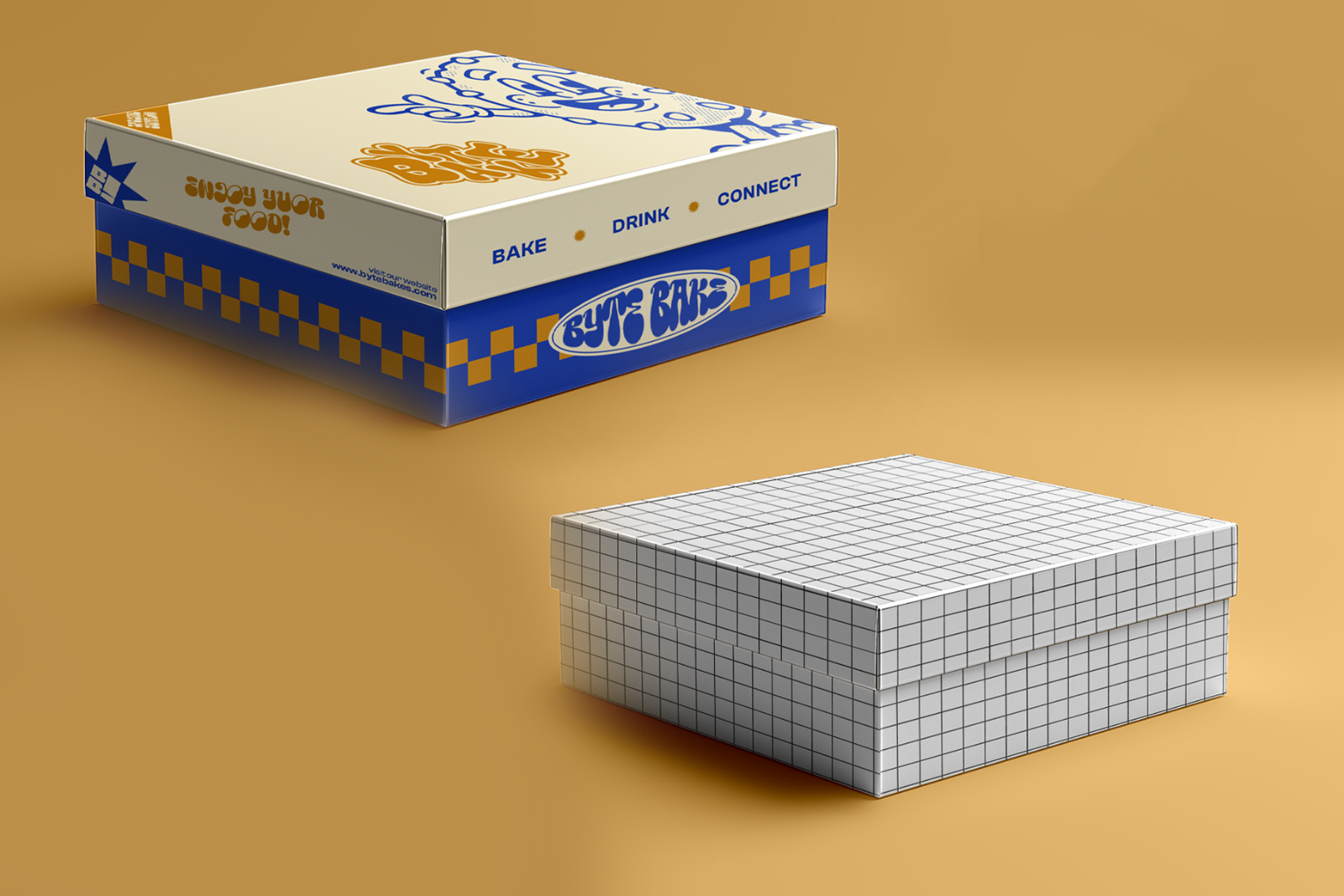
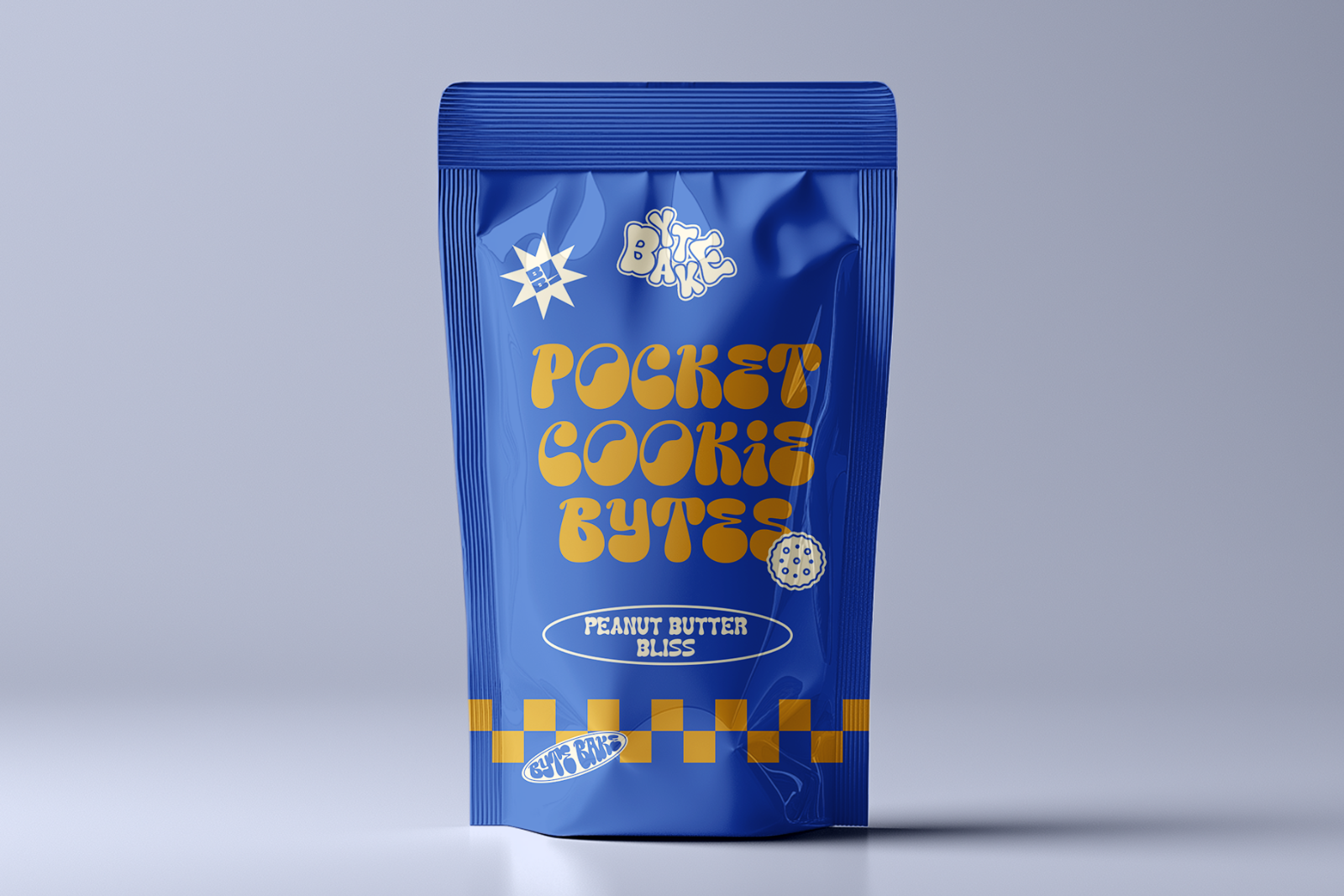
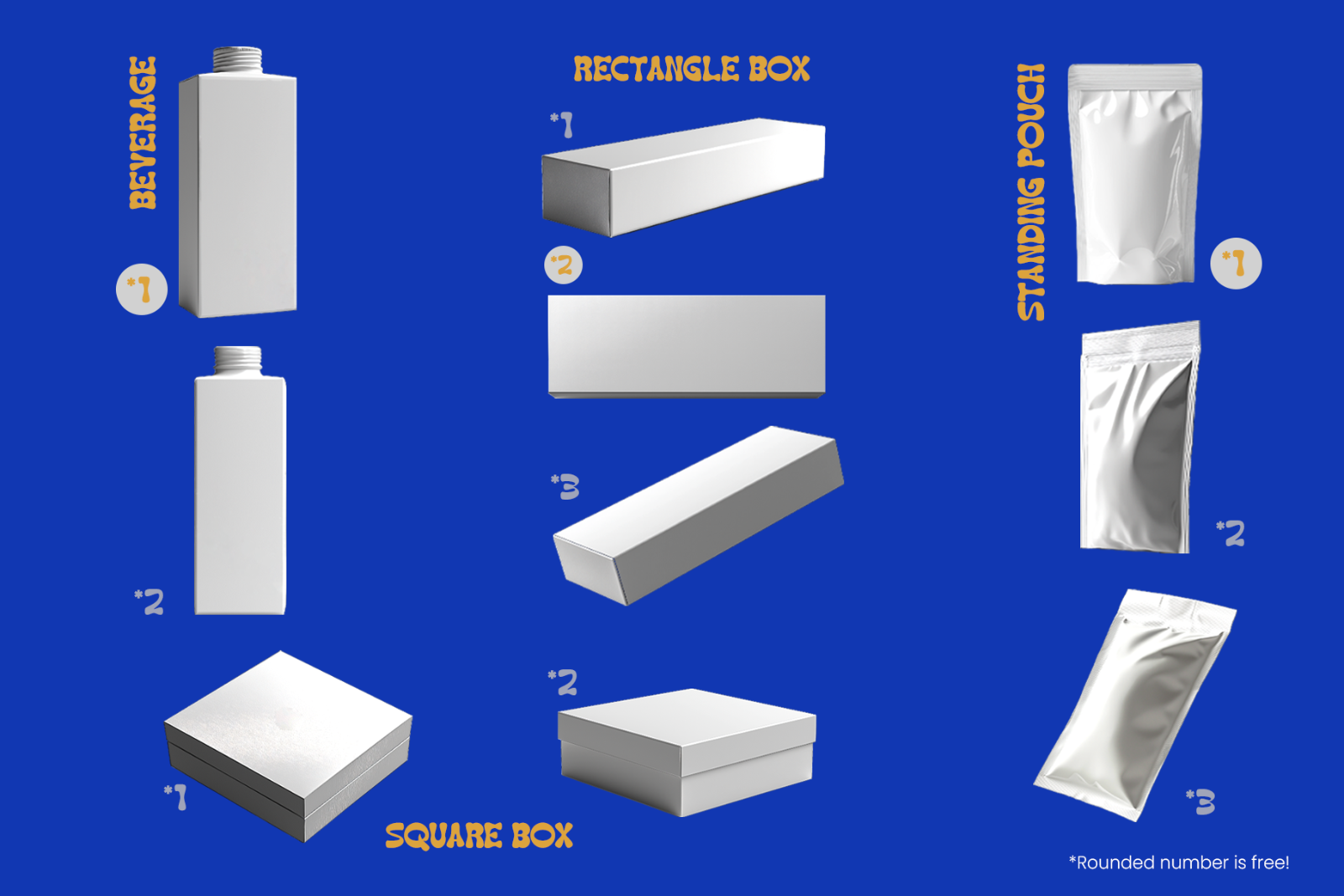
A playful, high‑resolution FNB packaging mockup bundle featuring 10 PSD files: cartons, pouches, square boxes, and long boxes. Fully editable with Smart Objects and customizable colors.

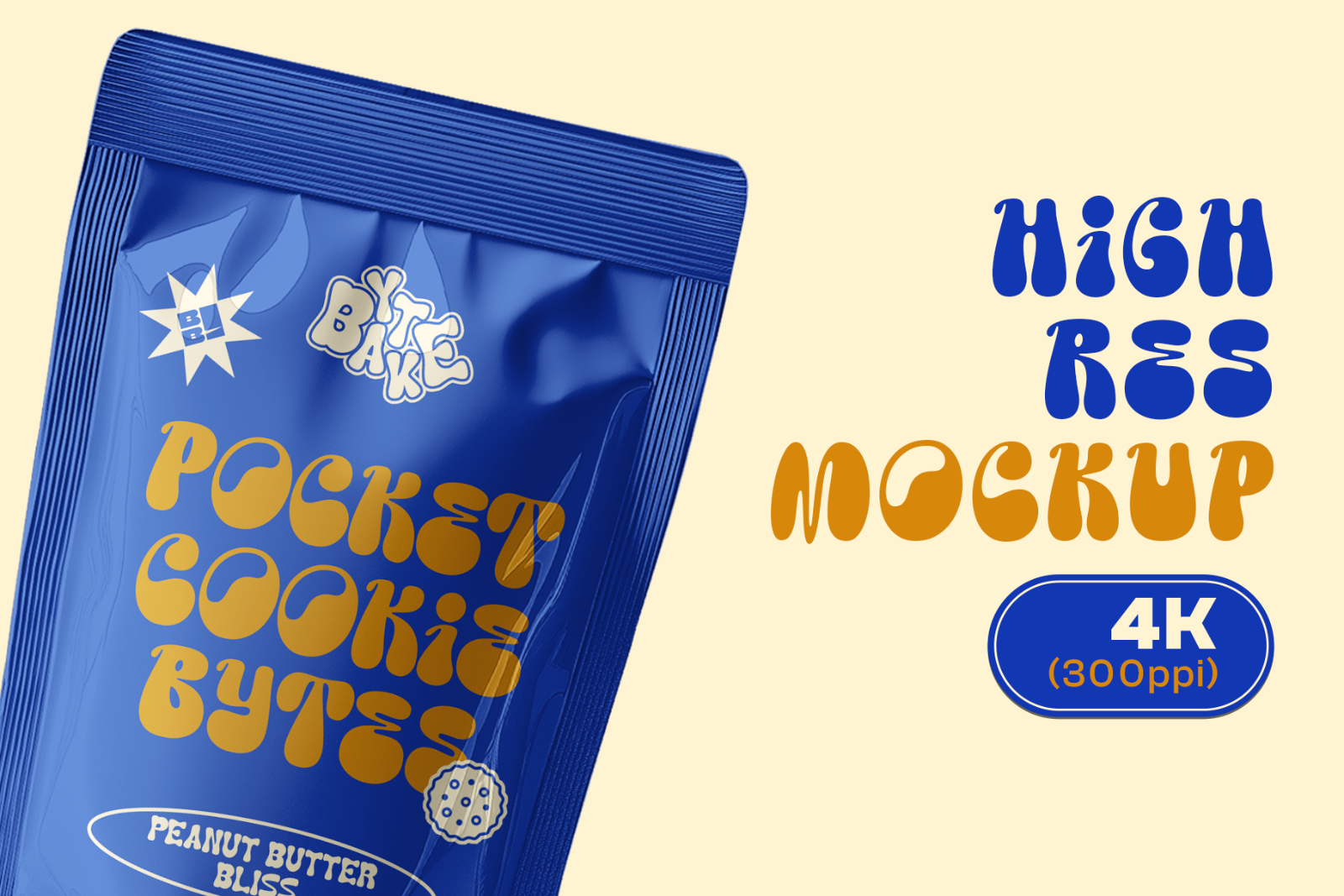
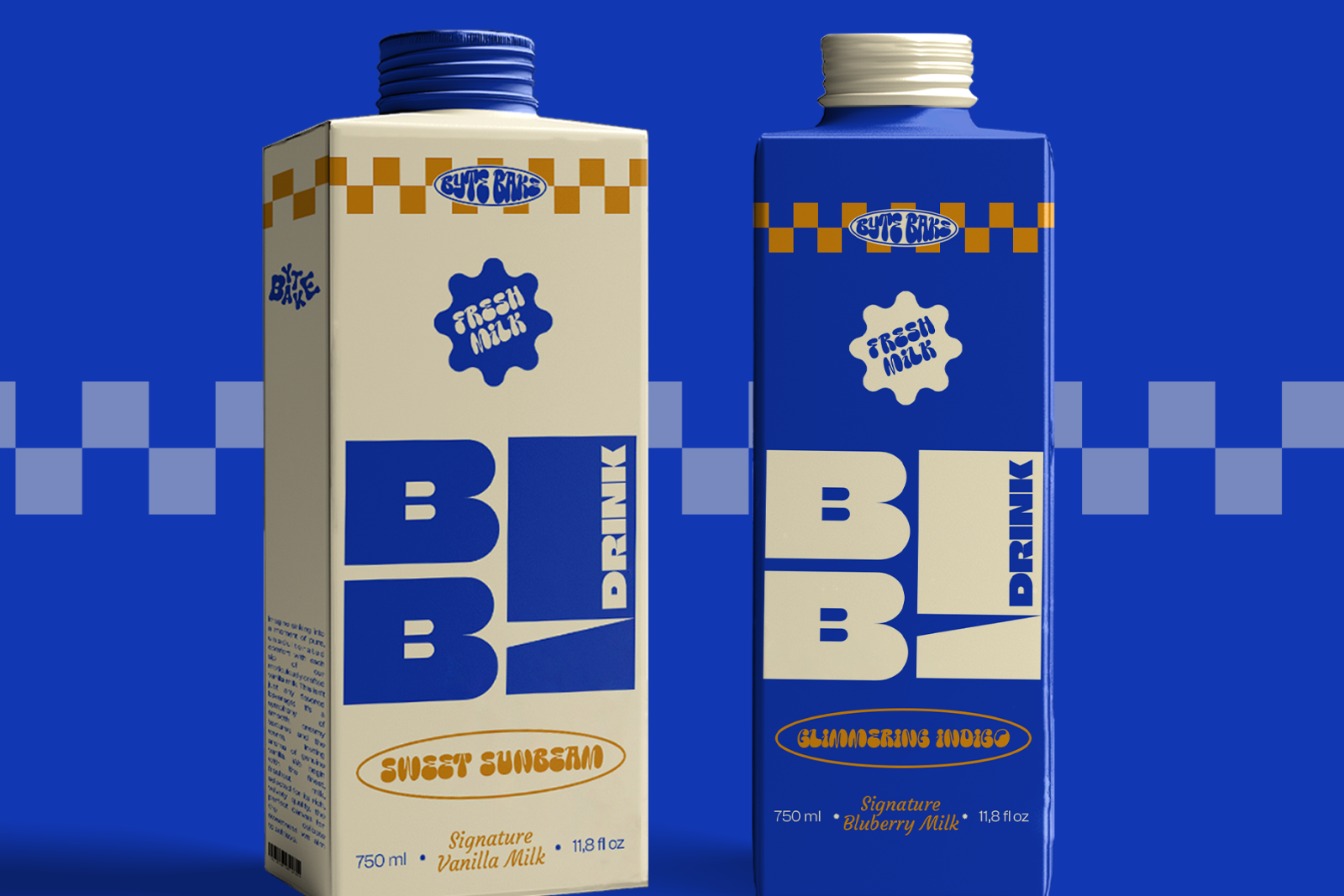
Bring your food & beverage branding to life with the Clara FNB Mockup Bundle. Designed with a fun, retro‑bubble aesthetic, this pack includes 10 high‑resolution 4K mockups, perfect for bakeries, drink brands, cookies, snacks, and creative FNB projects. Each file is built with Smart Objects, organized layers, and customizable backgrounds for effortless use.

What’s Included

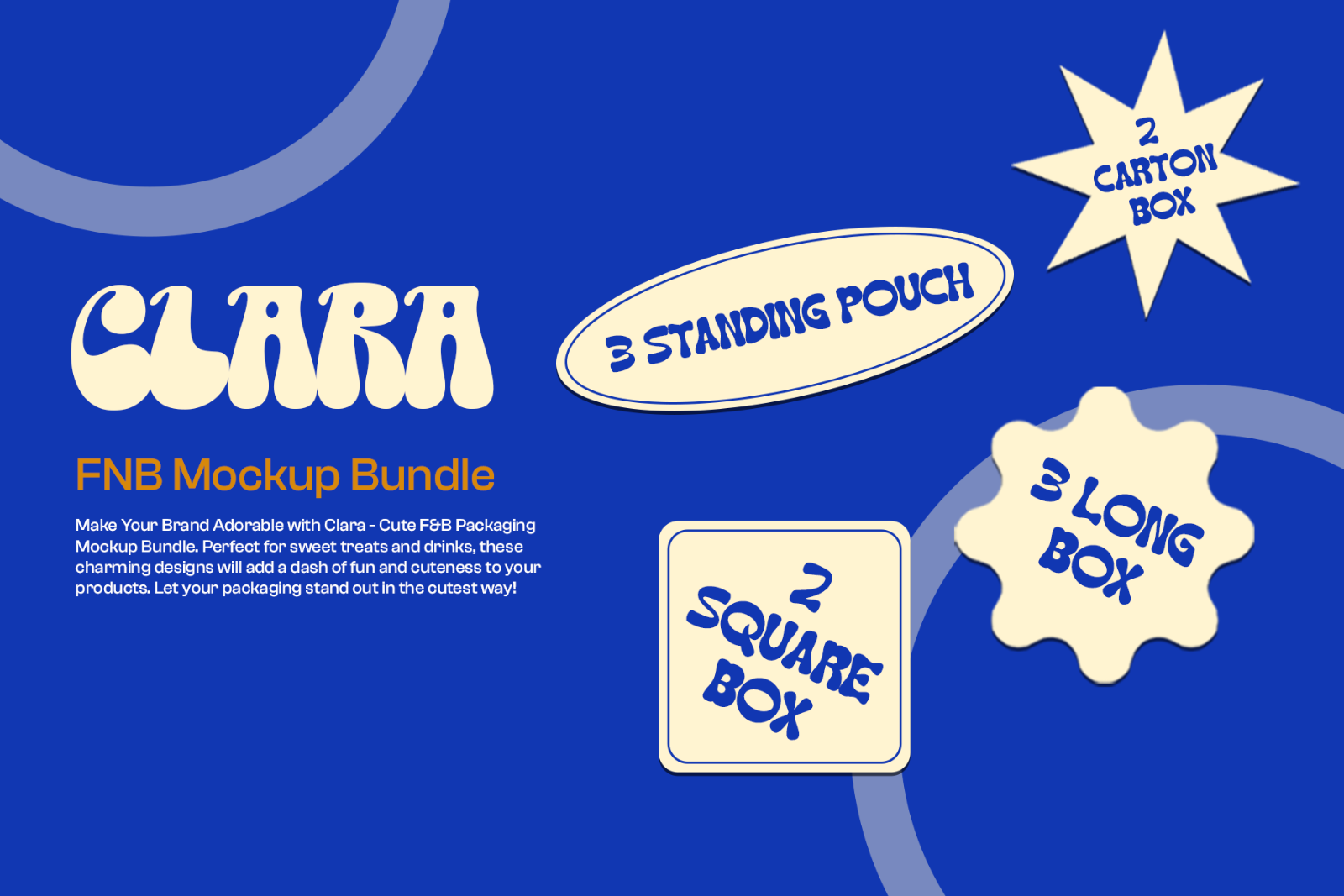
  • 10 PSD mockups
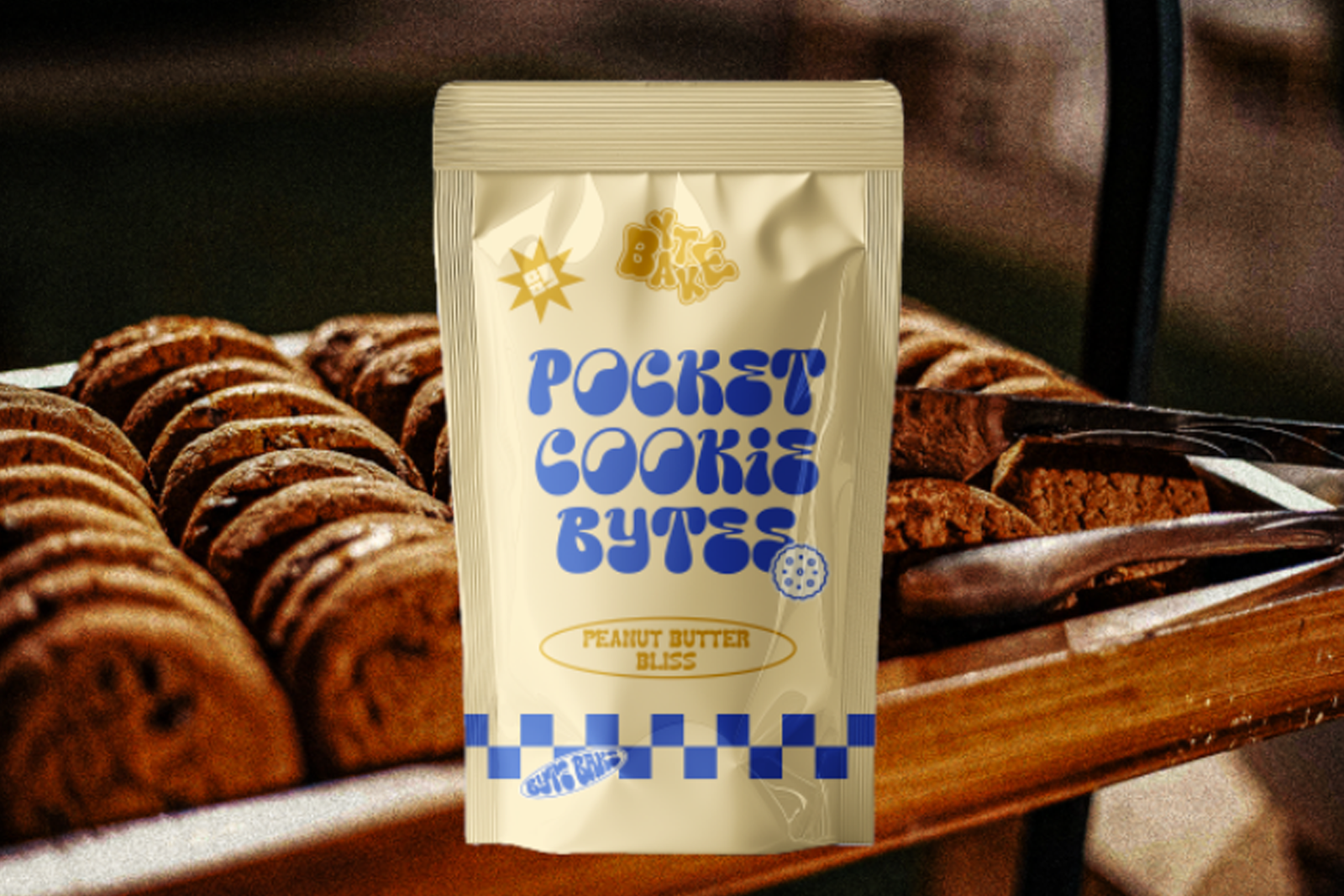
  • 3 Standing Pouches
  • 2 Square Boxes
  • 3 Long/Rectangle Boxes
  • 2 Beverage Carton Boxes
  • Resolution: 4K (300 ppi)
  • Color‑editable backgrounds
  • Clean JPG previews included

Key Features

  • Realistic shadow and lighting
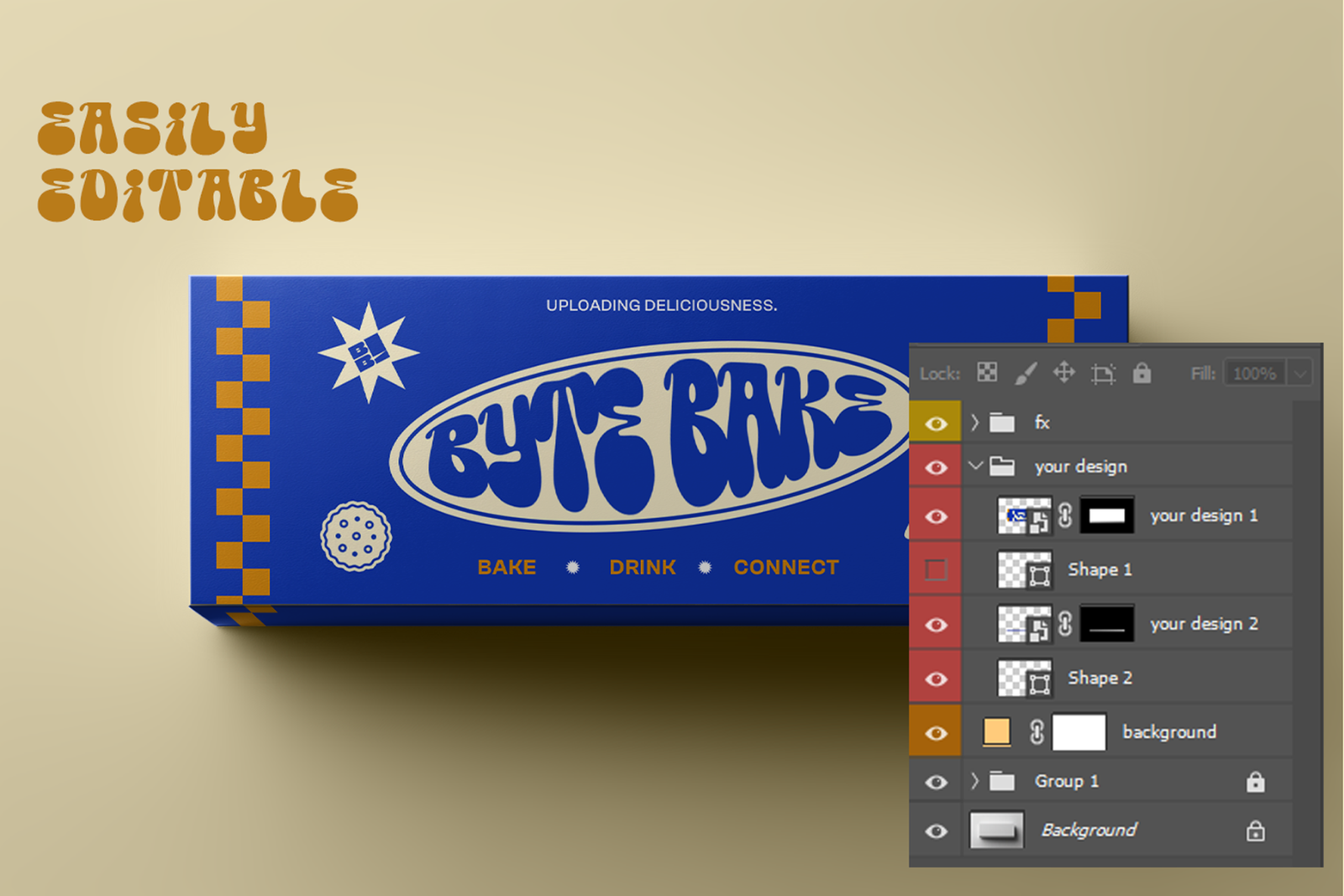
  • Smart Object design insertion
  • Retro playful brand atmosphere
  • Customizable background color
  • Organized, labeled layers
  • Perfect for product visualizations and brand kits

Ideal For / Use Cases

  • Food brands & beverage startups
  • Cookie, snack, bakery packaging
  • Product catalogs & social media posts
  • Branding presentations & portfolios
  • Etsy, Shopify, and online FNB stores

How to Use

  • Open the PSD in Photoshop.
  • Double-click the Smart Object layer (“Place Design Here”).
  • Paste/replace your artwork, save, and close the Smart Object.
  • Adjust garment colors/background (if needed) and export.

Requirements & Notes
  • Requires Adobe Photoshop 2020+
  • Mockup designs and fonts shown in previews are not included
  • Preview images are for demonstration only

Please sign in to post a comment

No reviews found!