Crewneck Sweatshirt Mockup

Crewneck Sweatshirt Mockup

$36.00 $27.00
-25%
Compatible With: Adobe Photoshop Adobe Photoshop

Description

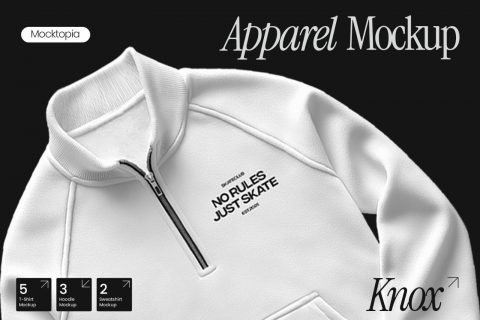
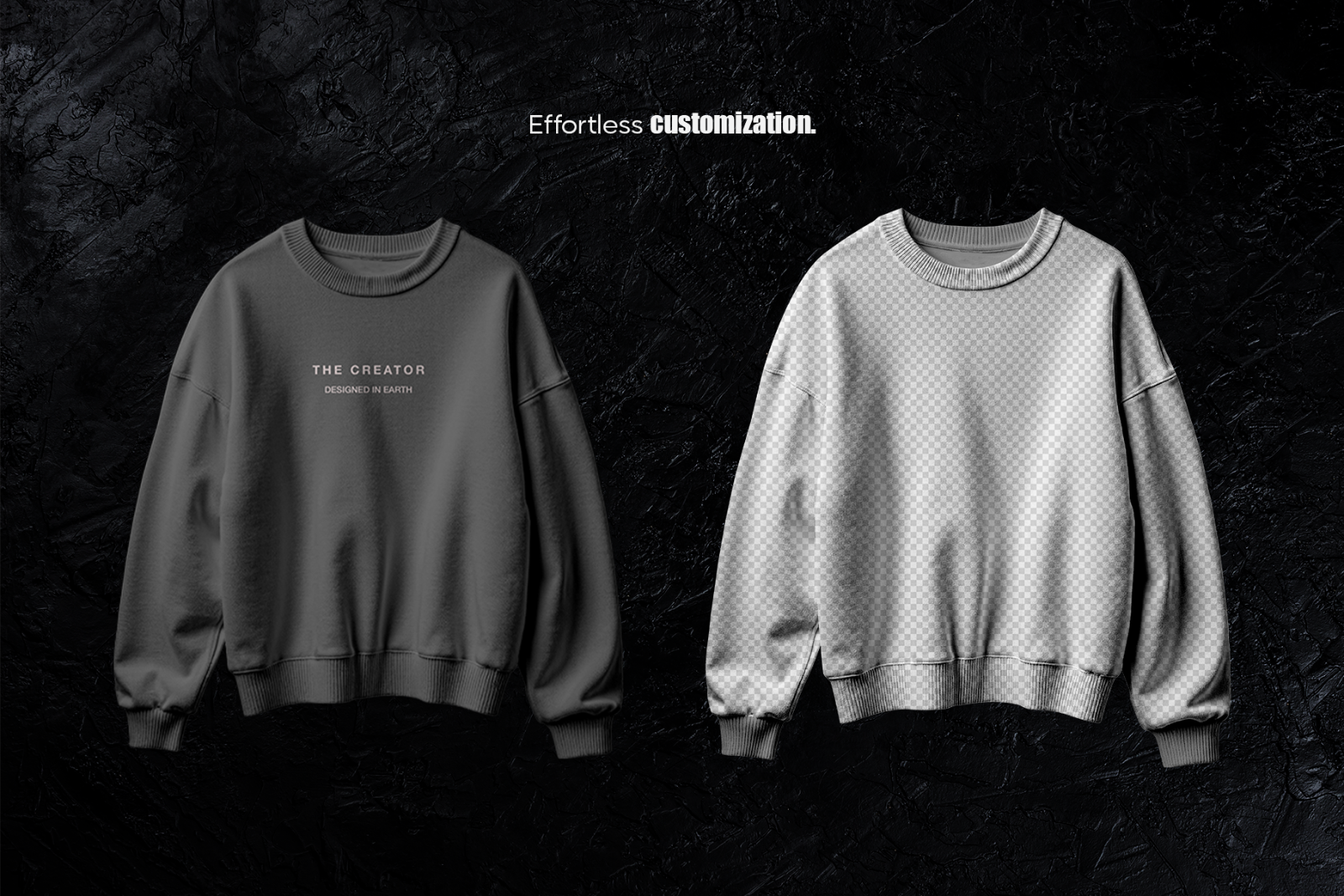
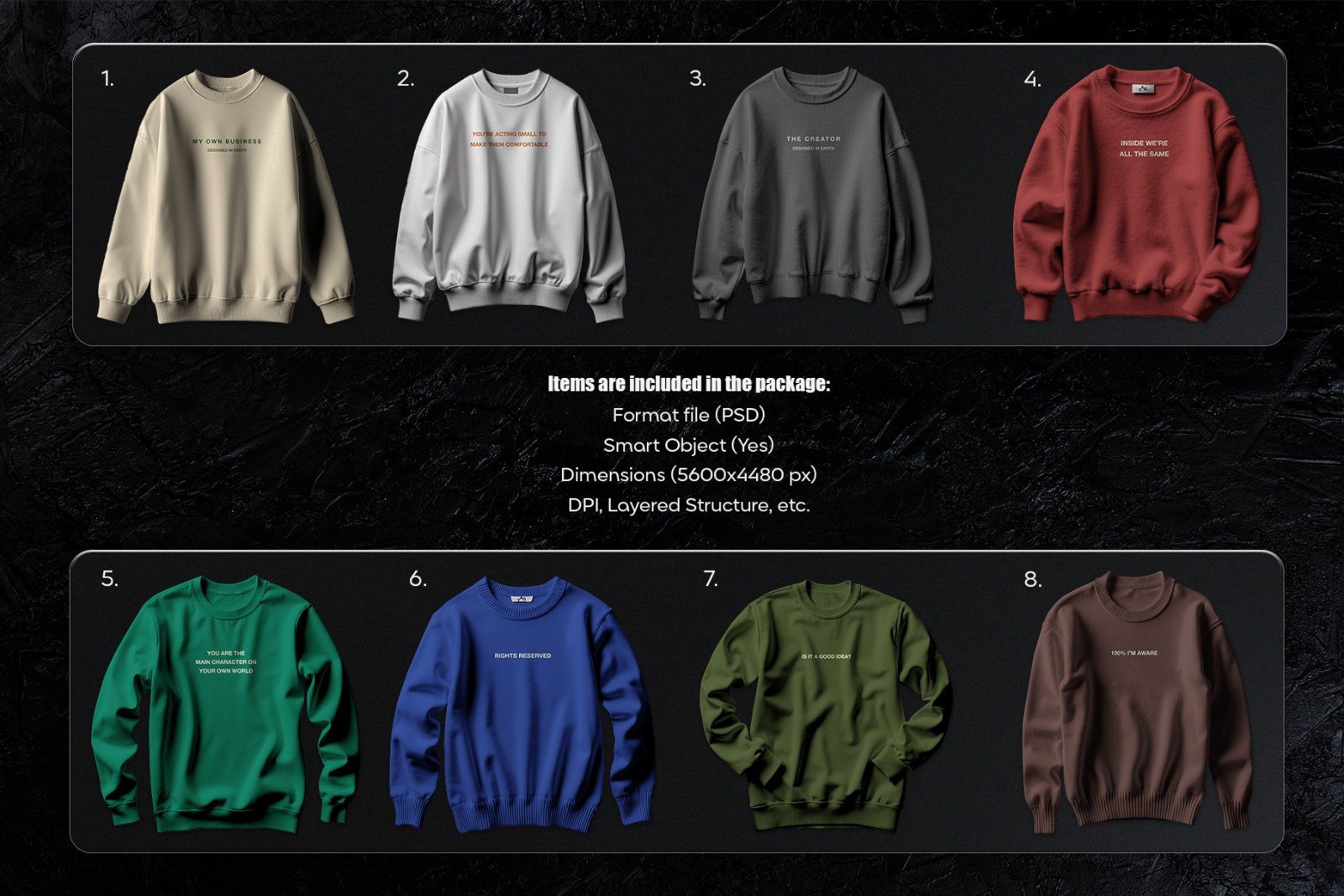
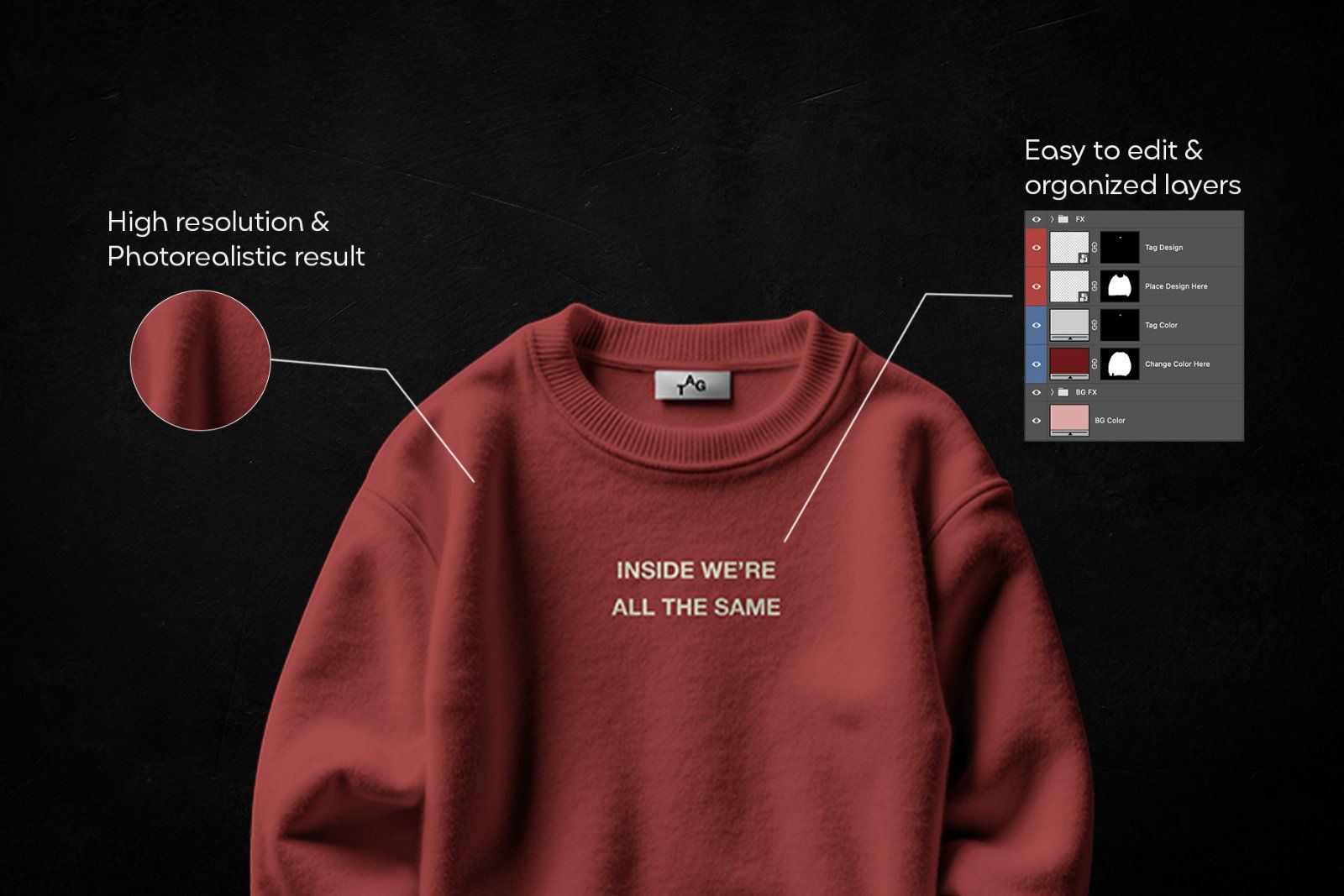
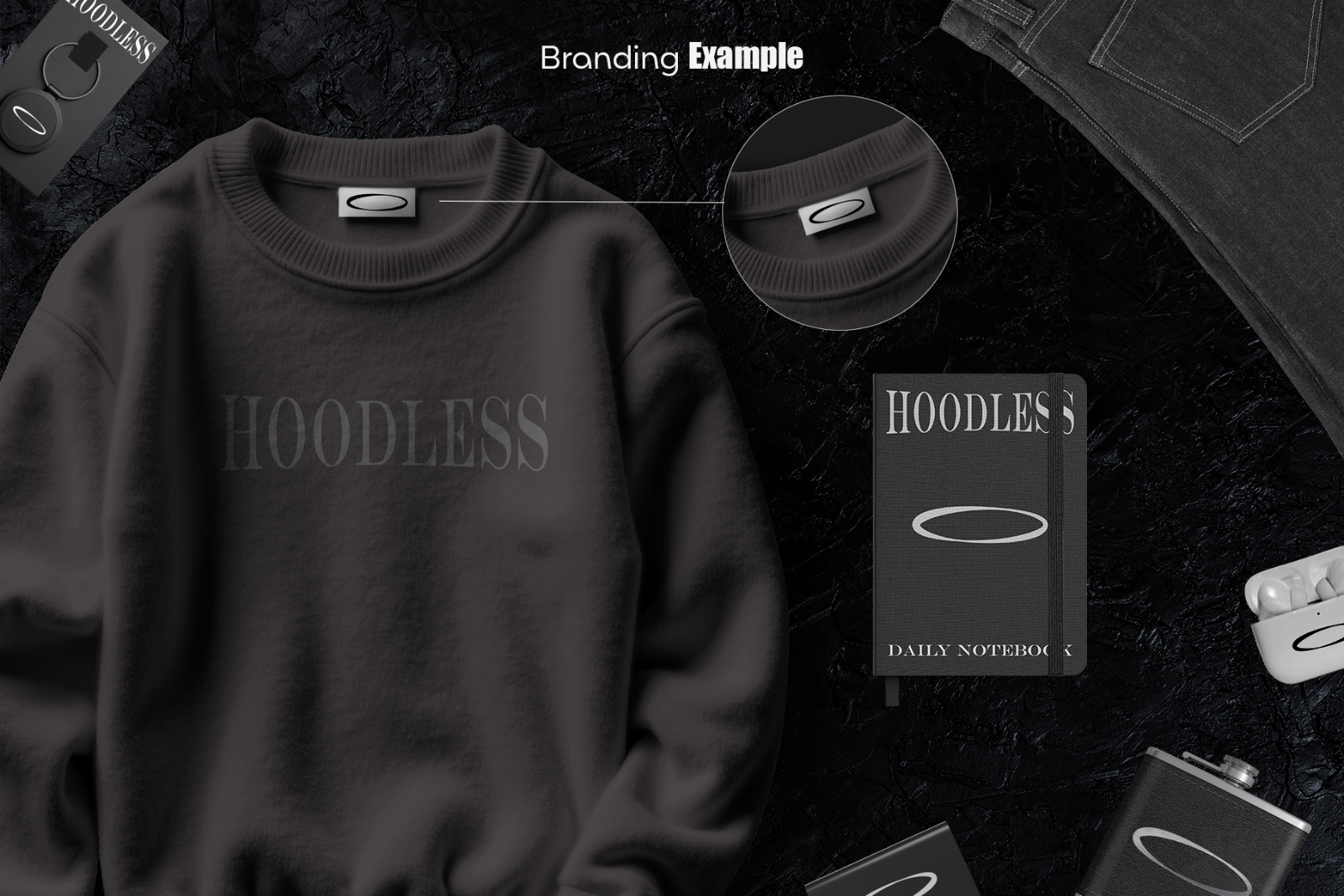
A photoreal crewneck sweatshirt mockup set with a premium dark background and realistic fabric texture. Includes 8 PSD scenes (5600×4480 px, 300 DPI) with smart objects, editable colors, and an editable neck tag for branding. Made for streetwear, apparel, and client presentations.

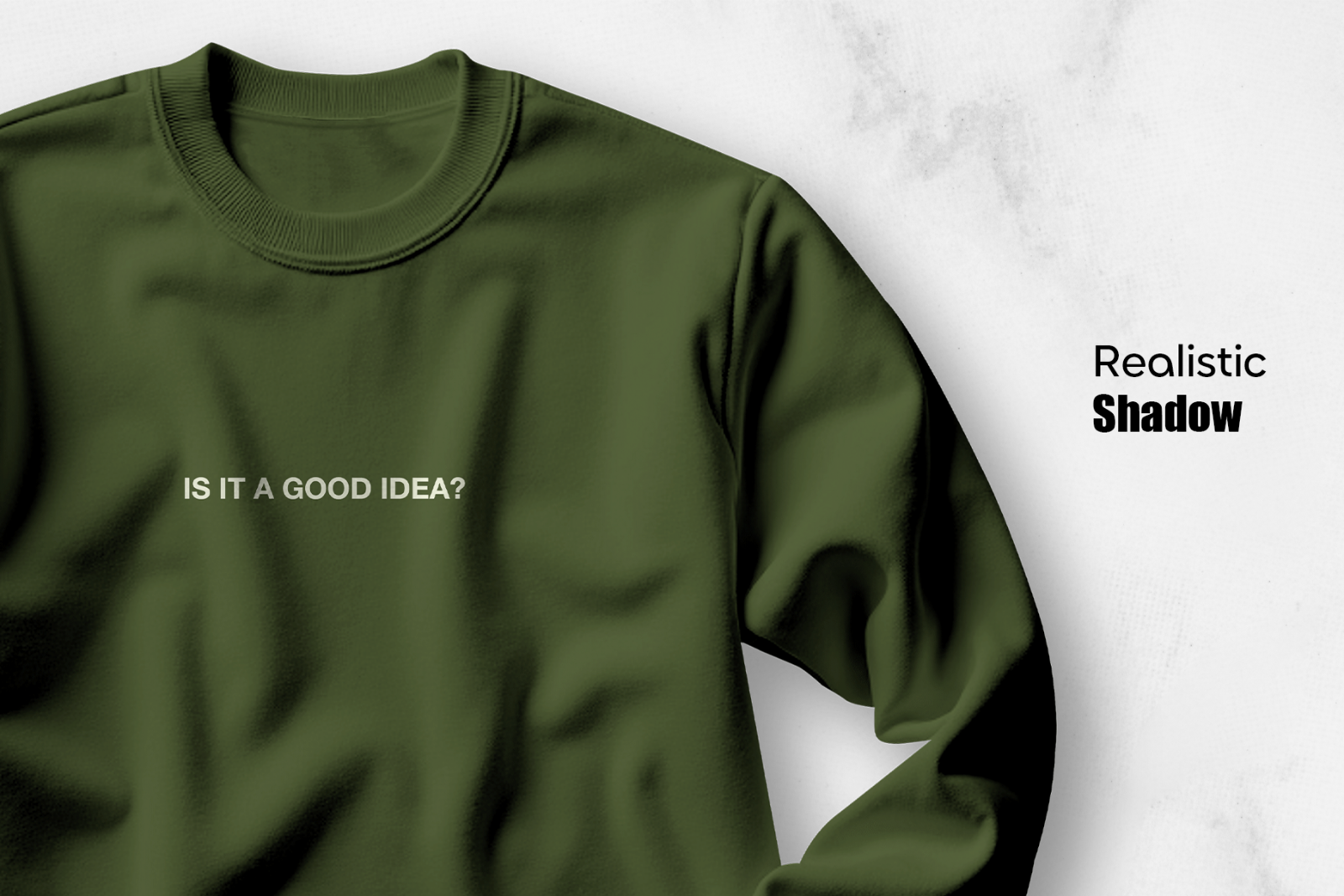
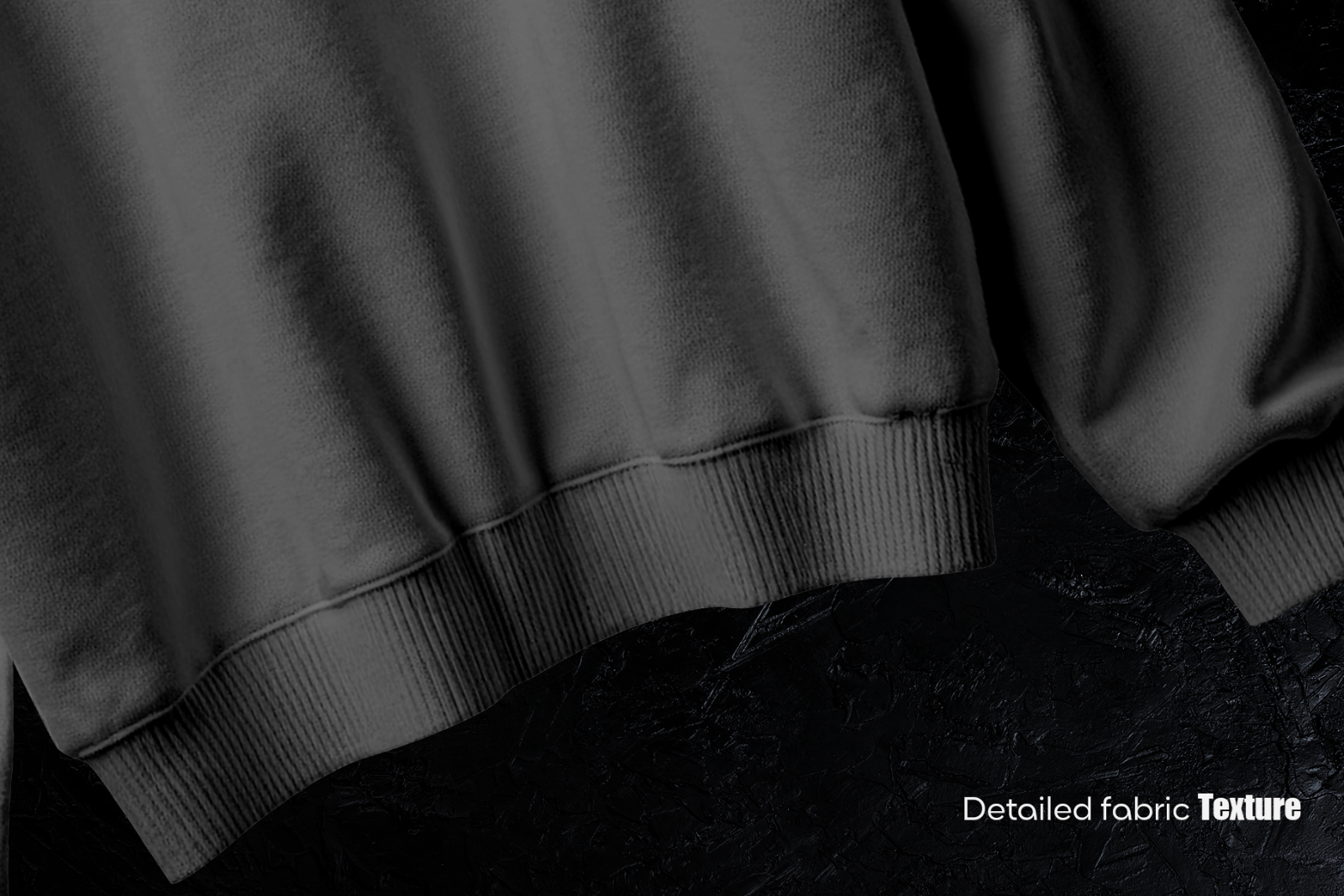
Showcase your sweatshirt designs with a clean, premium look. This Crewneck Sweatshirt Mockup bundle is built for photoreal presentation, realistic shadows, detailed fabric texture, and flexible customization.

What’s Included

  • 8 PSD files (8 scenes)
  • Resolution: 5600 × 4480 px, 300 DPI
  • PDF help file
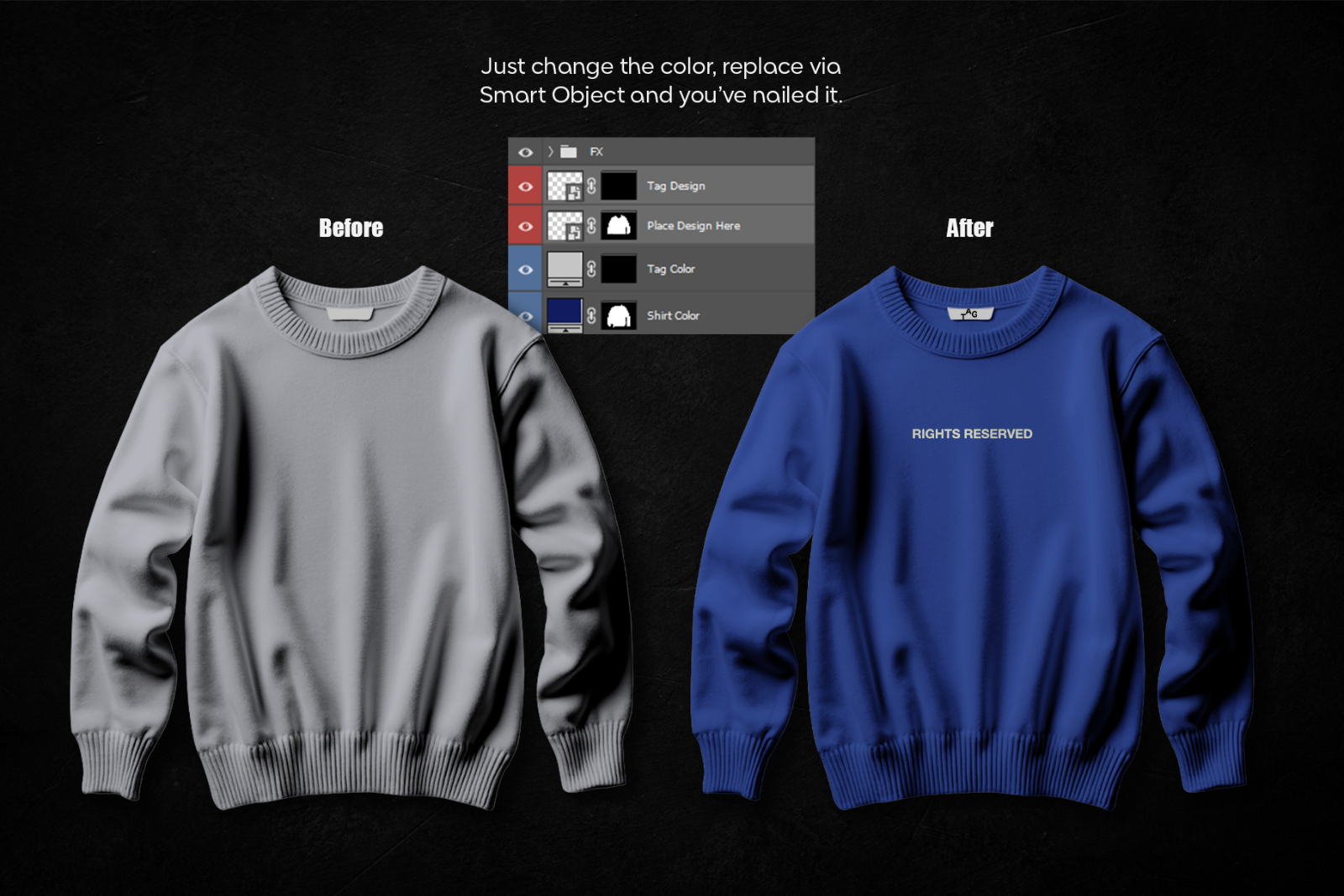
  • Smart object layers for easy design placement

Key Features:

  • Smart object editing (place design quickly)
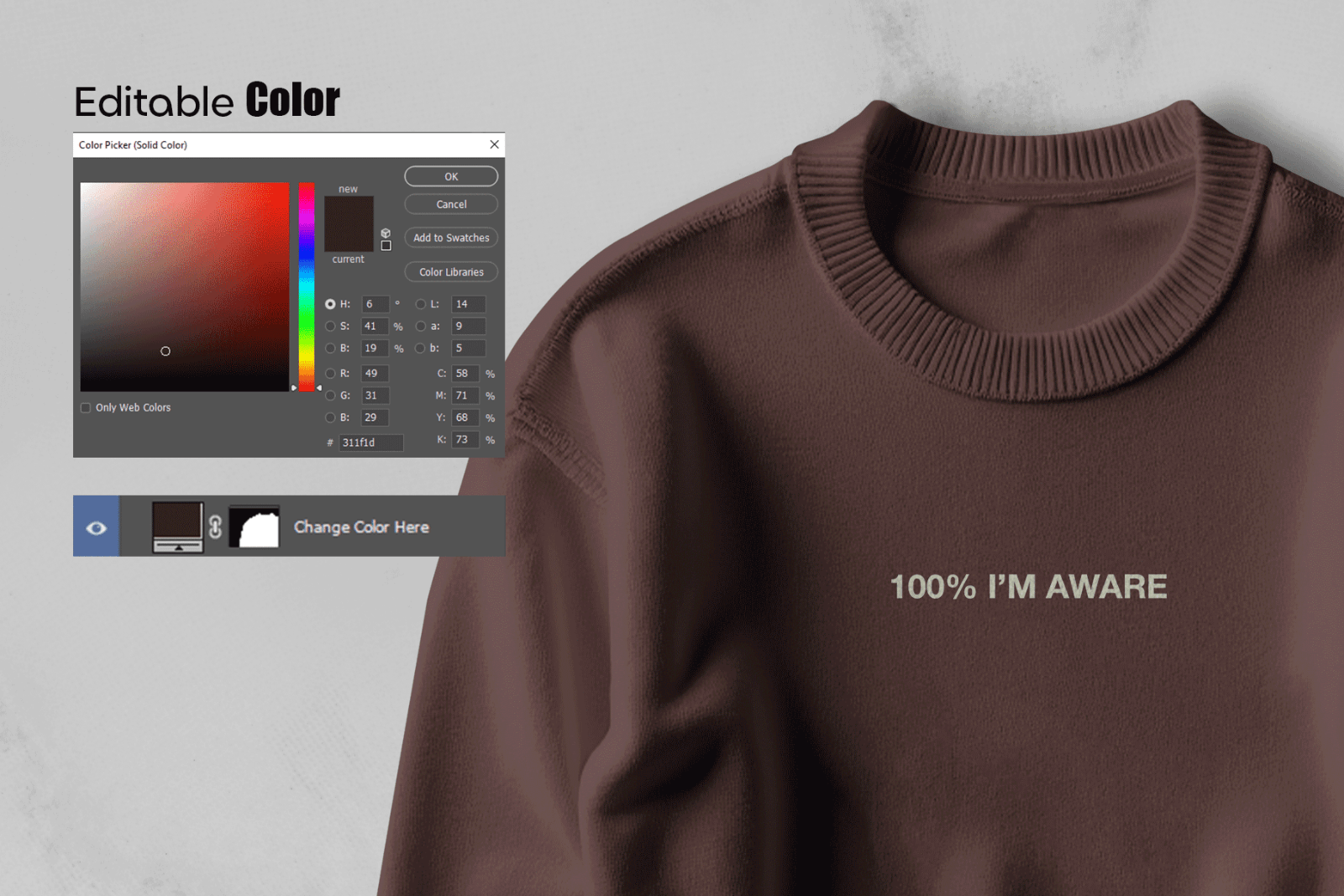
  • Editable sweatshirt color (shading preserved)
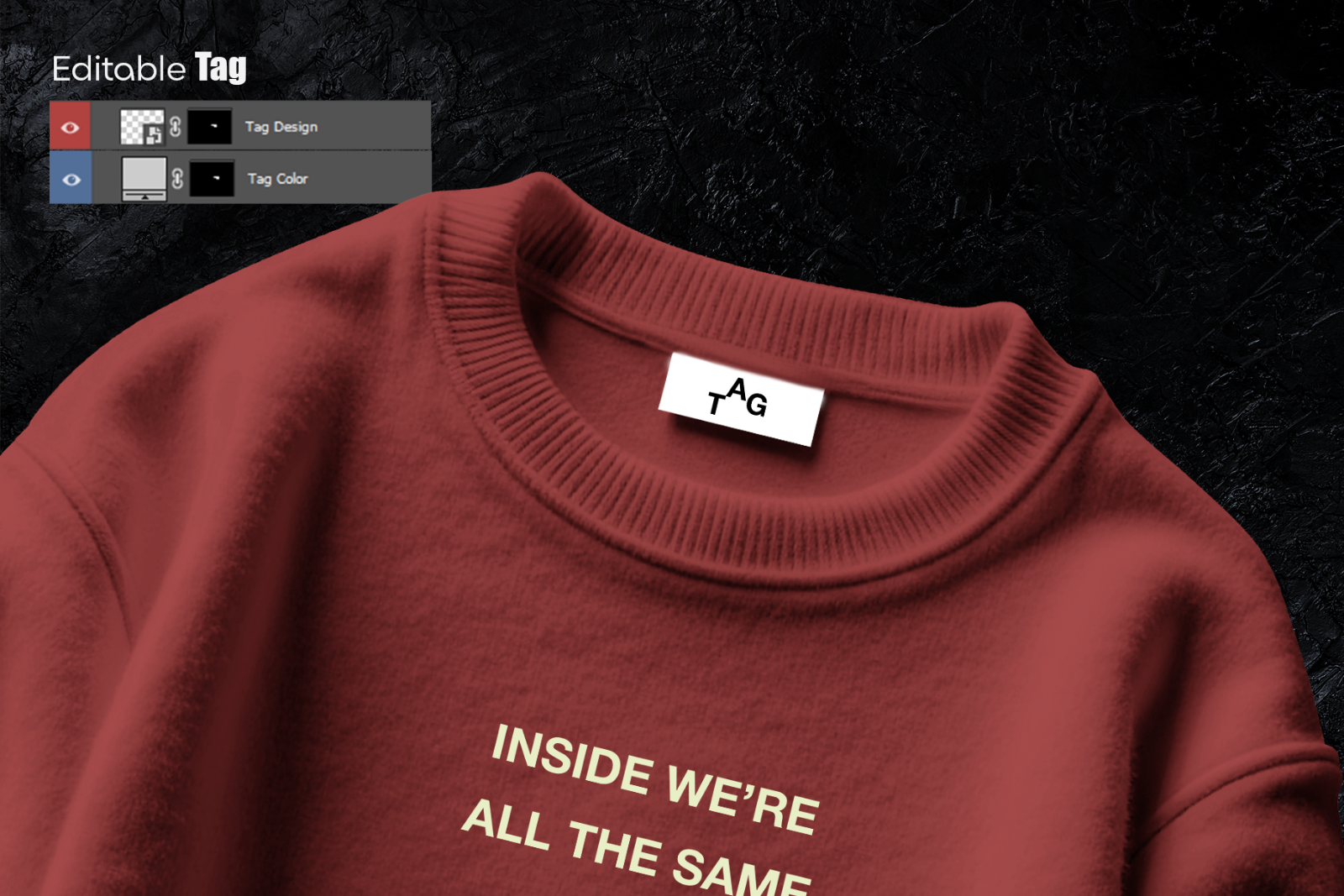
  • Editable neck tag (tag design + tag color)
  • Editable background (BG color / background layer)
  • Detailed fabric texture + realistic shadows
  • Well-organized layers
  • Compatible with Adobe Photoshop 2020+

Ideal For / Use Cases

  • Streetwear & apparel brand presentations
  • E-commerce product images
  • Lookbooks, campaigns, and launch teasers
  • Portfolio, Behance case studies
  • Client mockup previews

How to Use

  1. Open the PSD in Photoshop.
  2. Double-click the Smart Object (“Place Design Here”).
  3. Paste your artwork, save, close.
  4. Change shirt color / tag color / BG color as needed.
  5. Export your final image.

Requirements & Notes

  • Requires Adobe Photoshop 2020+
  • Designs/logos/fonts shown in previews are not included
  • review photos are for demonstration purposes

Please sign in to post a comment

No reviews found!