Beanie Mockup Bundle

Beanie Mockup Bundle

$36.00 $28.80
-20%
Compatible With: Adobe Photoshop Adobe Photoshop

Description

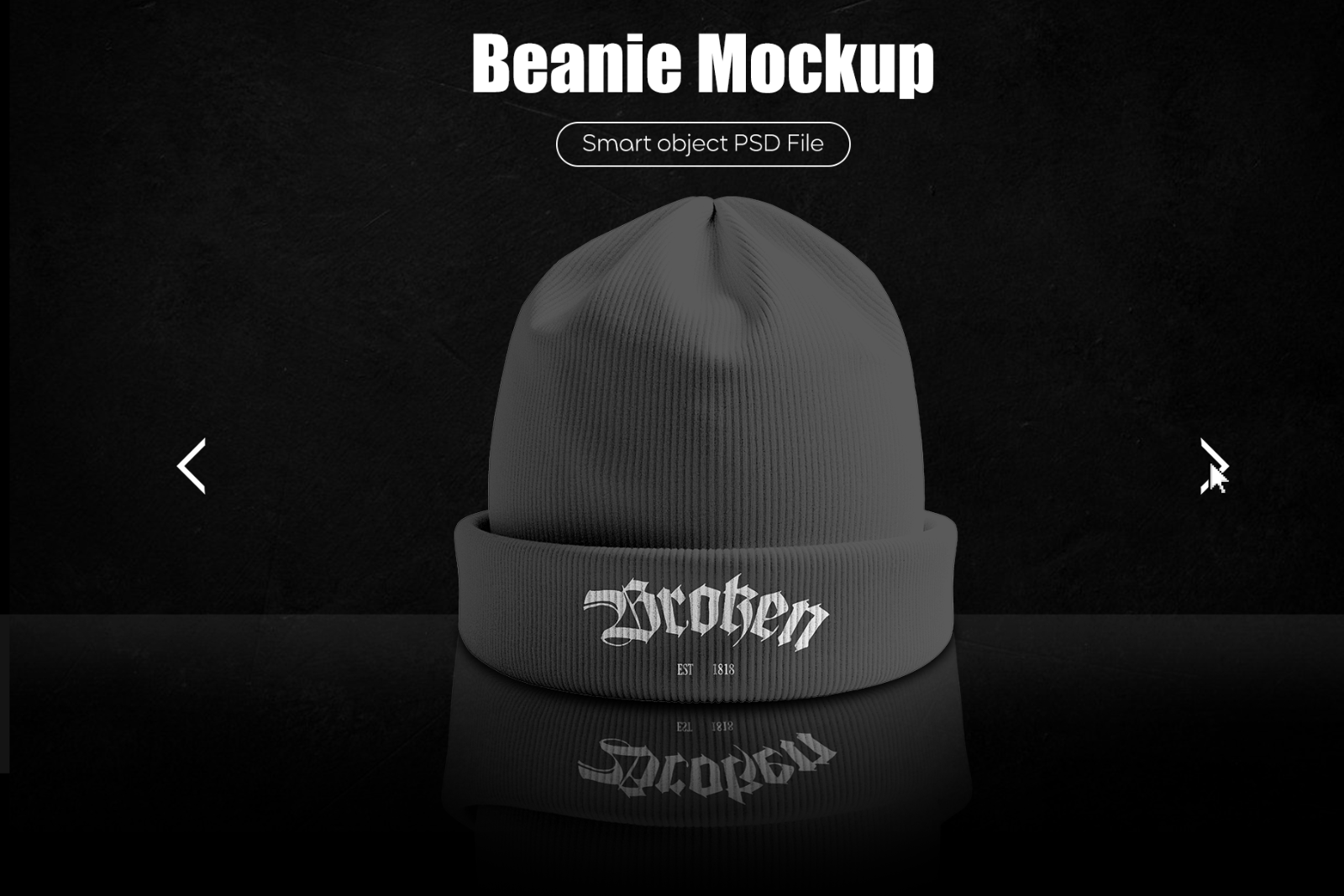
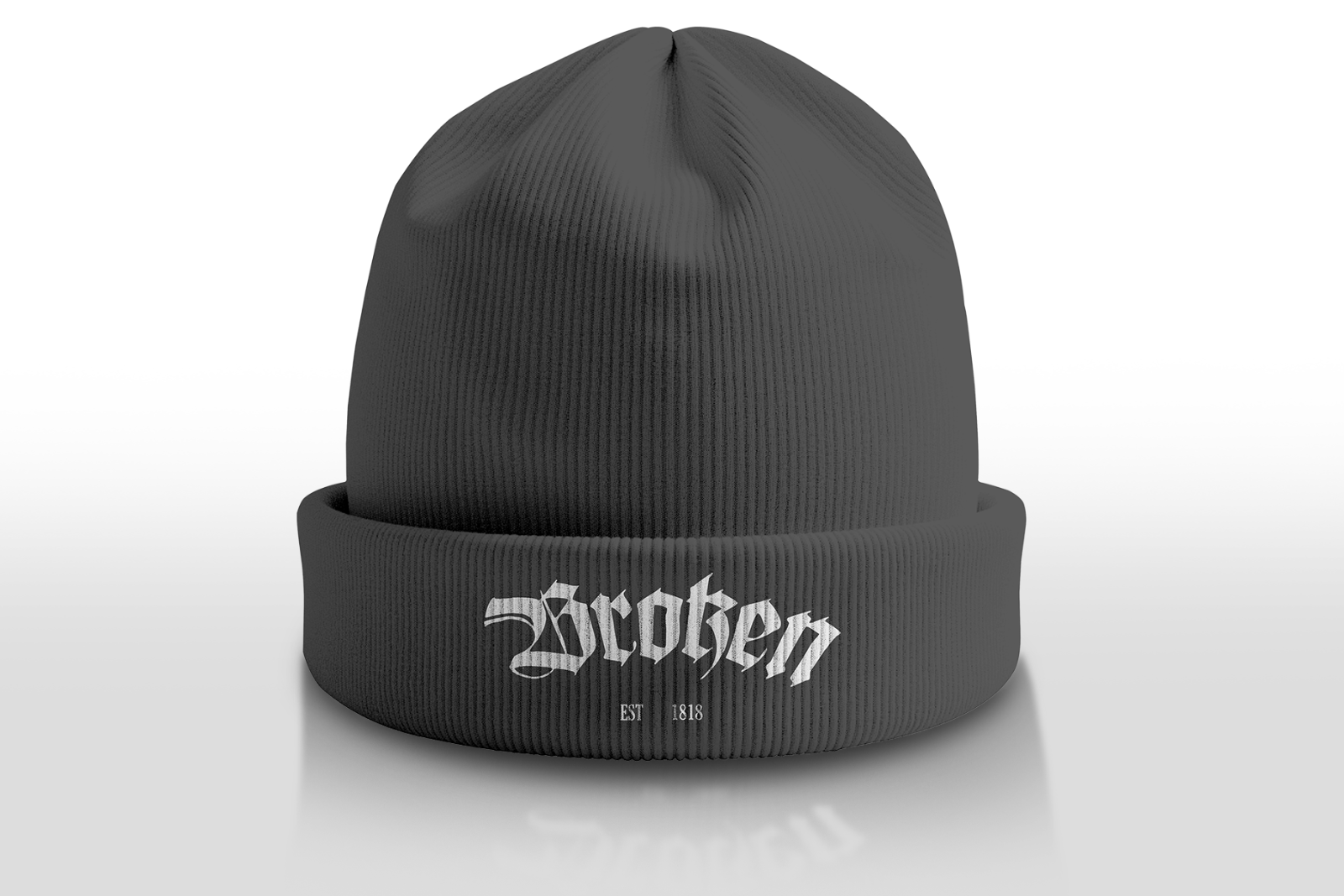
A realistic knit beanie mockup bundle built for quick branding presentations. Replace your artwork via Smart Objects, then fine-tune beanie color and background in seconds. Ideal for designers, streetwear brands, and ecommerce previews.

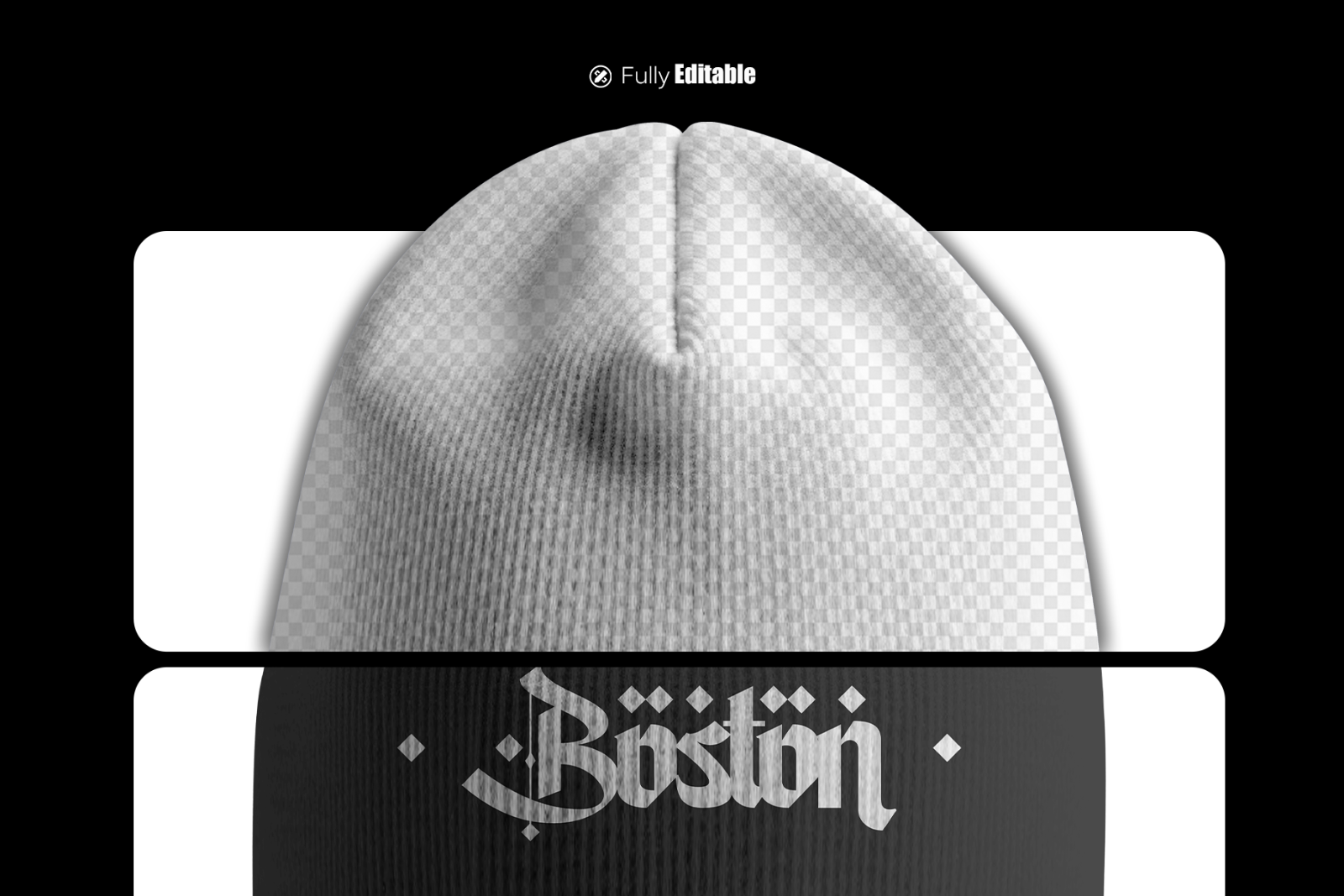
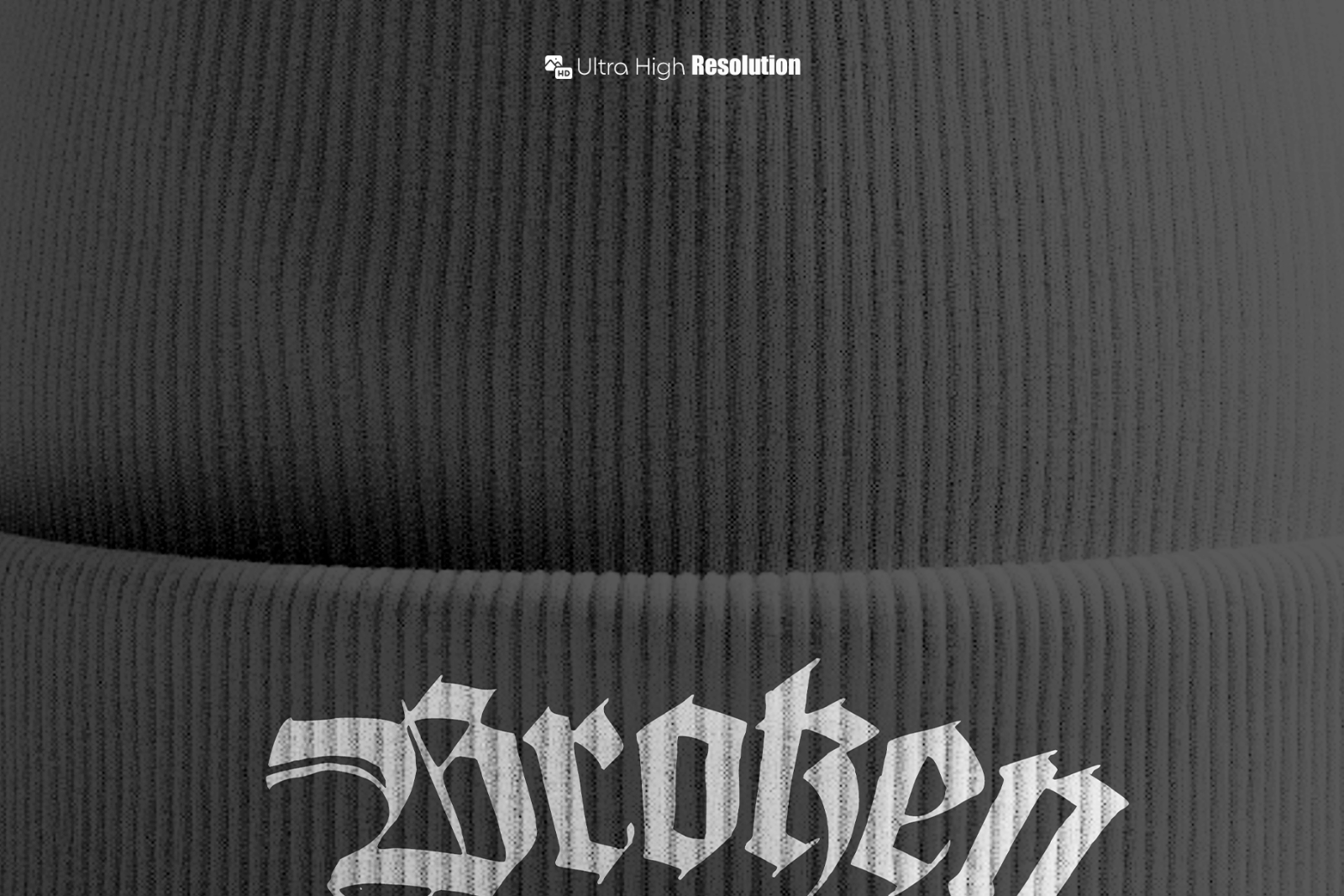
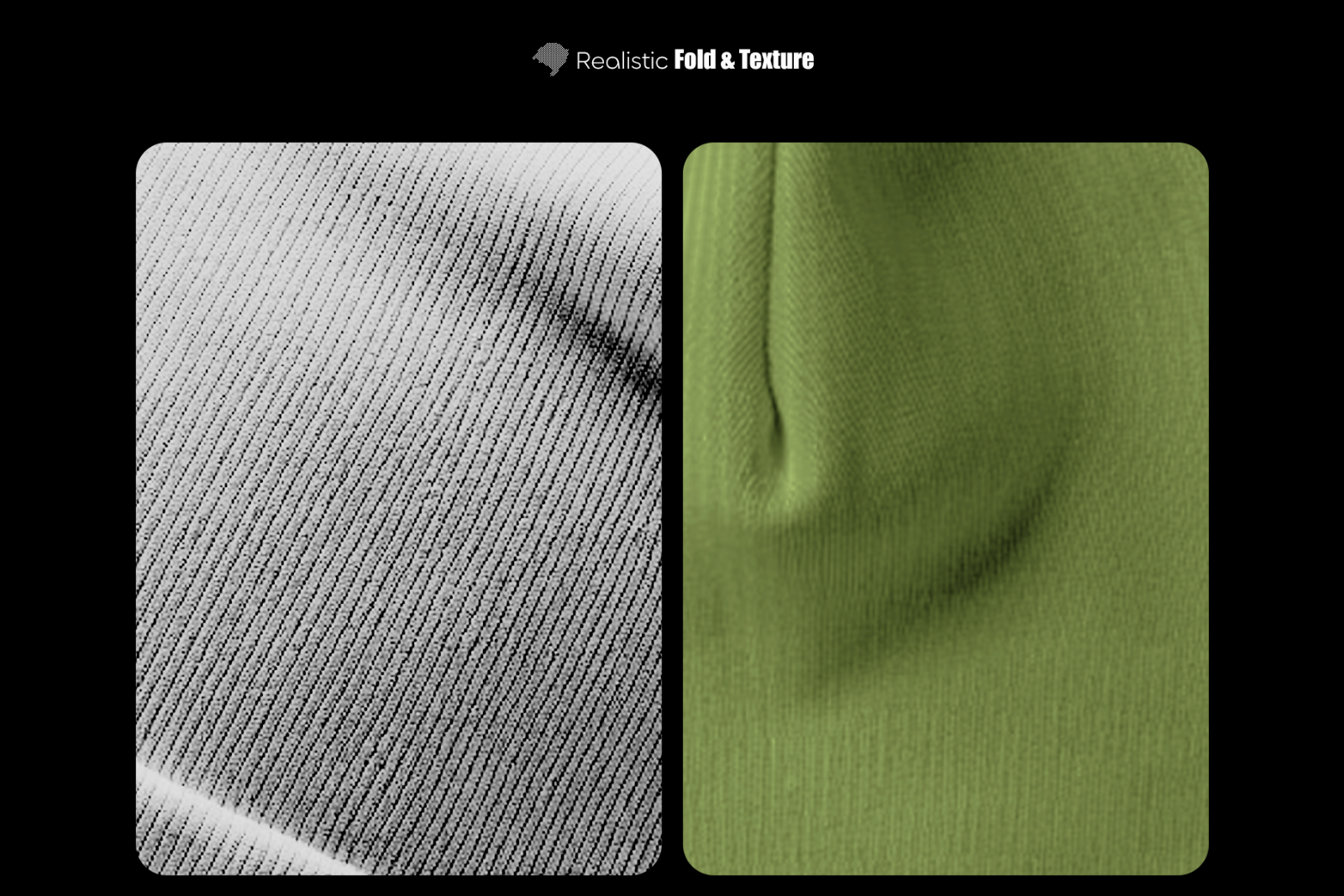
Showcase beanie logos and graphics with a clean, modern look and realistic ribbed-knit texture. This bundle is built around a fast Smart Object workflow, so your design keeps natural folds and fabric detail while staying easy to edit.

What’s Included:

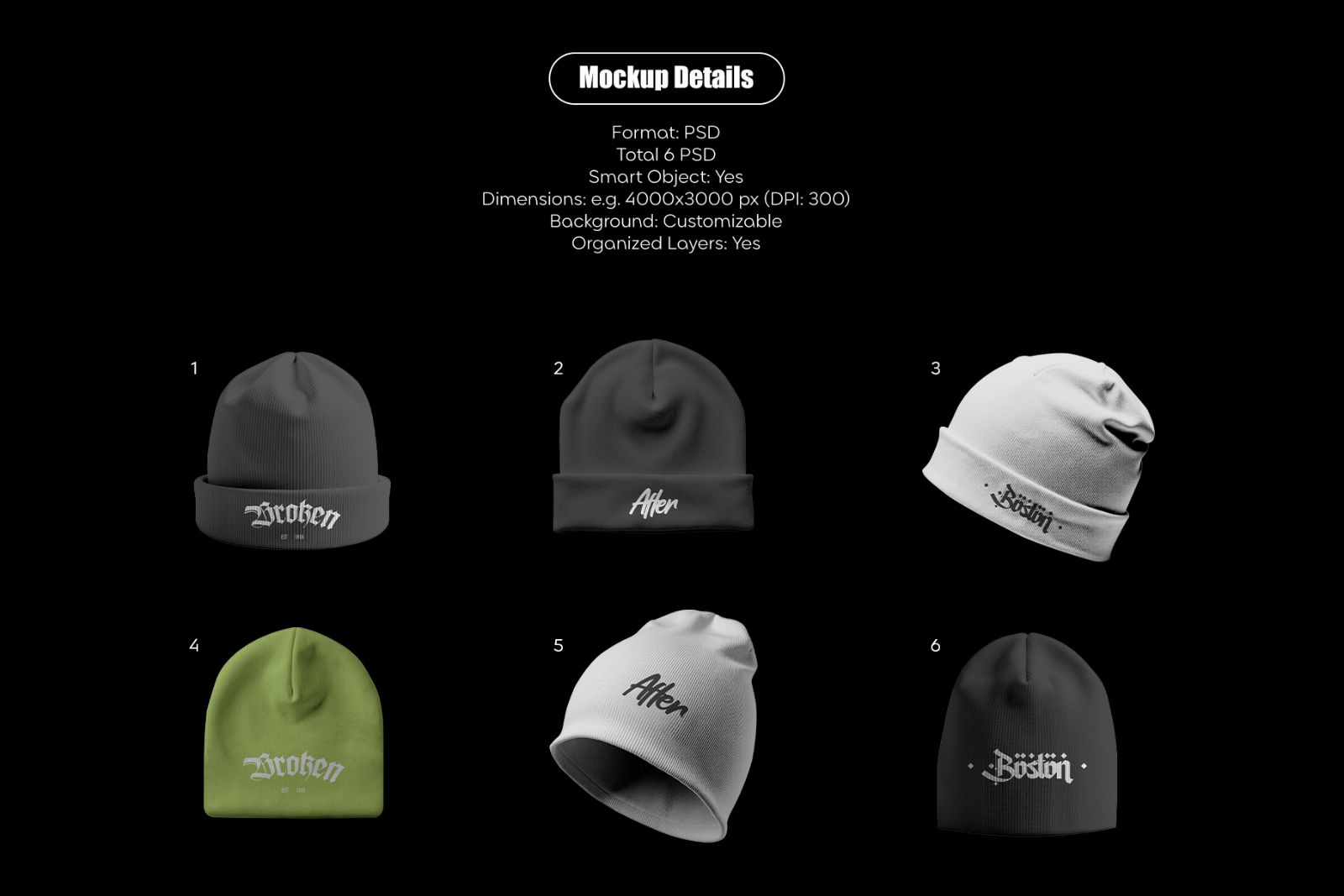
  • 6 PSD mockup files (as shown in previews)
  • PDF Help (if included)
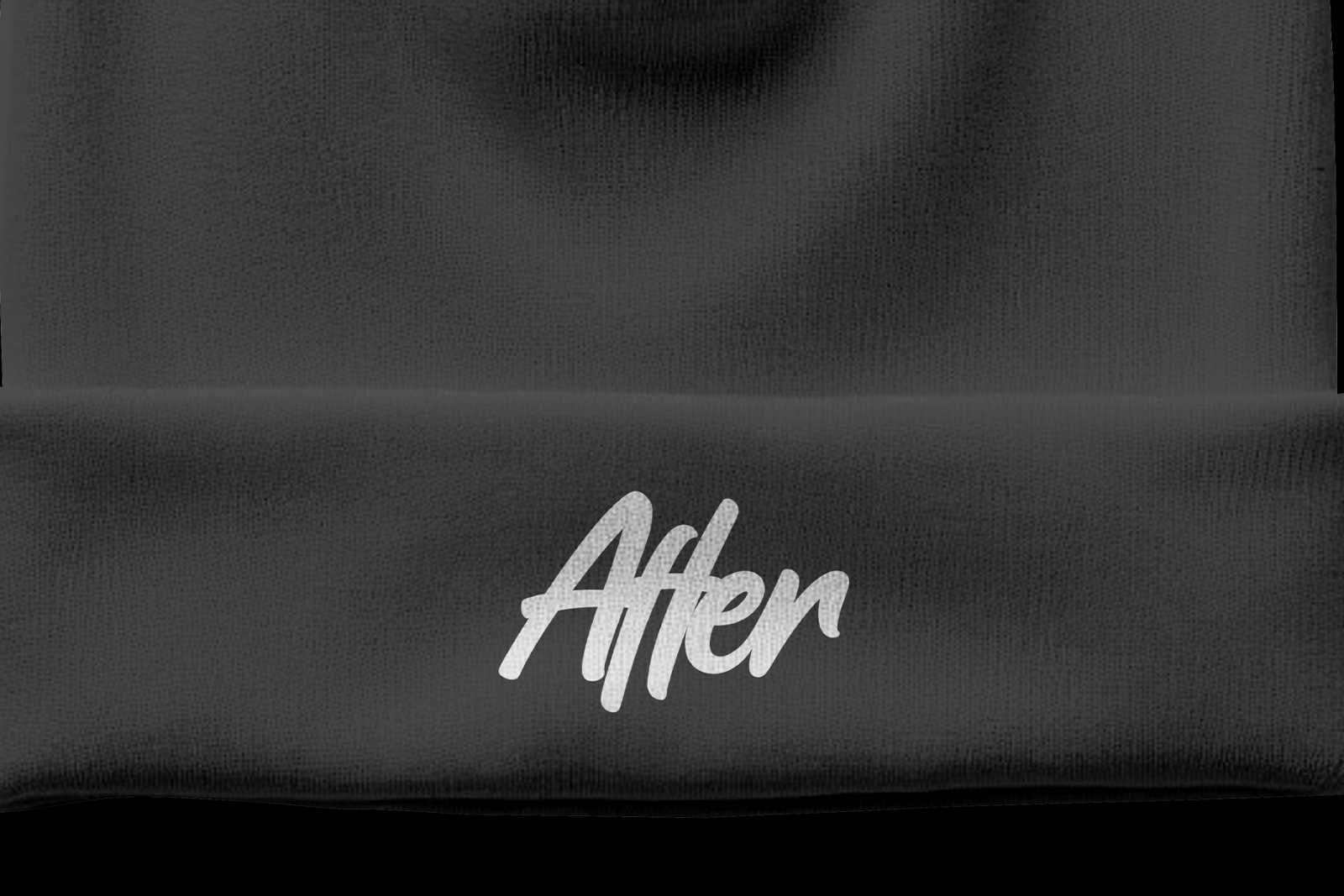
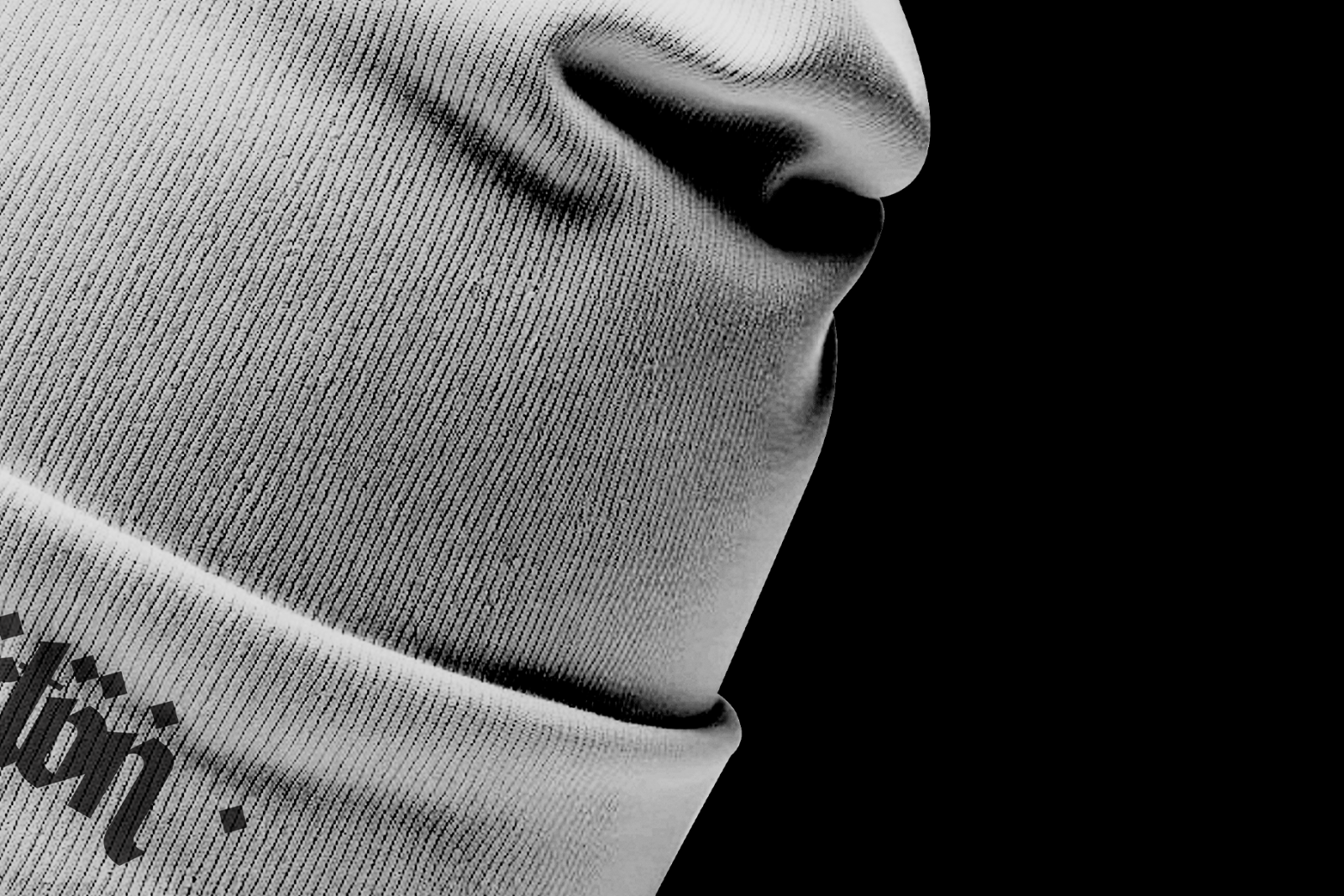
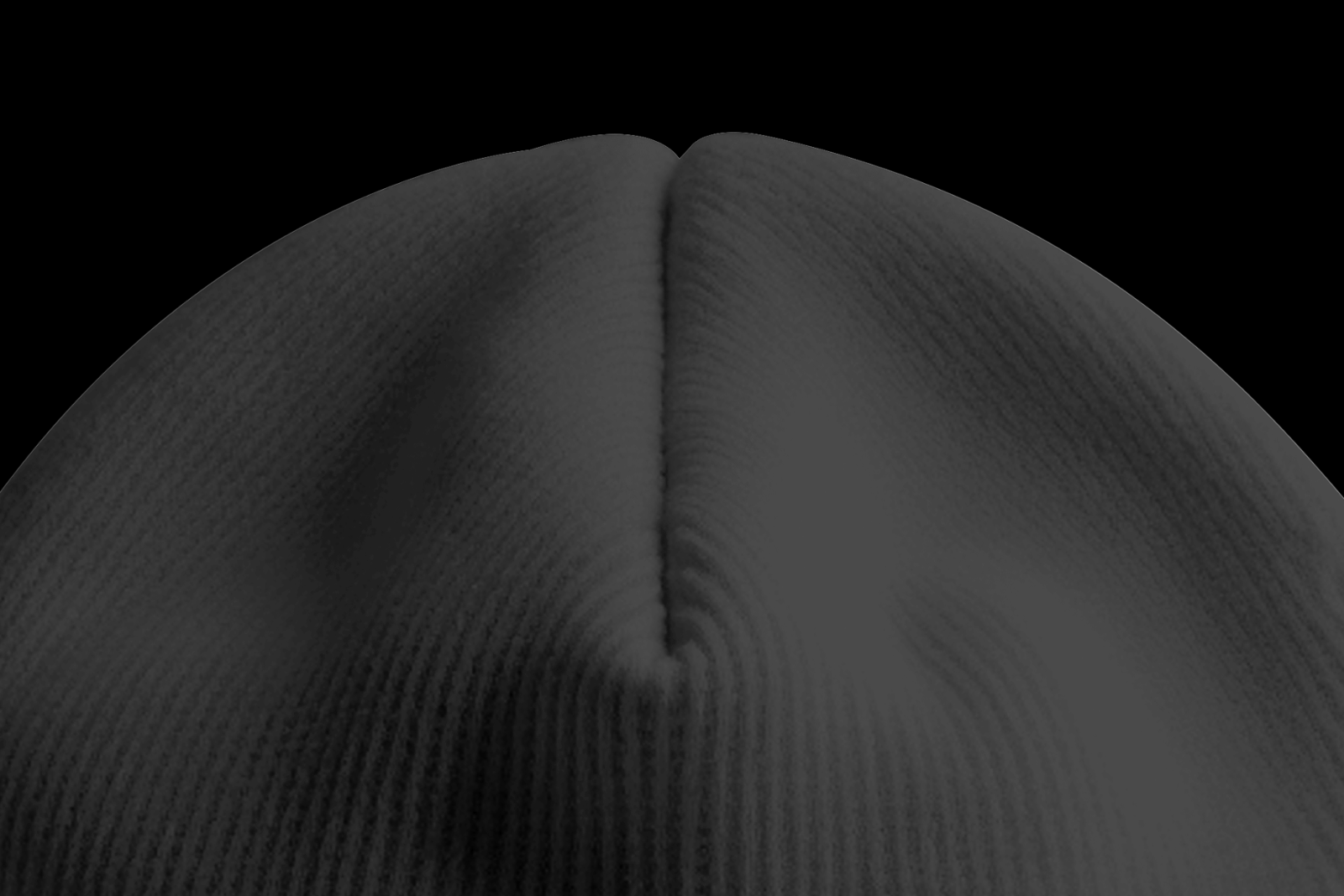
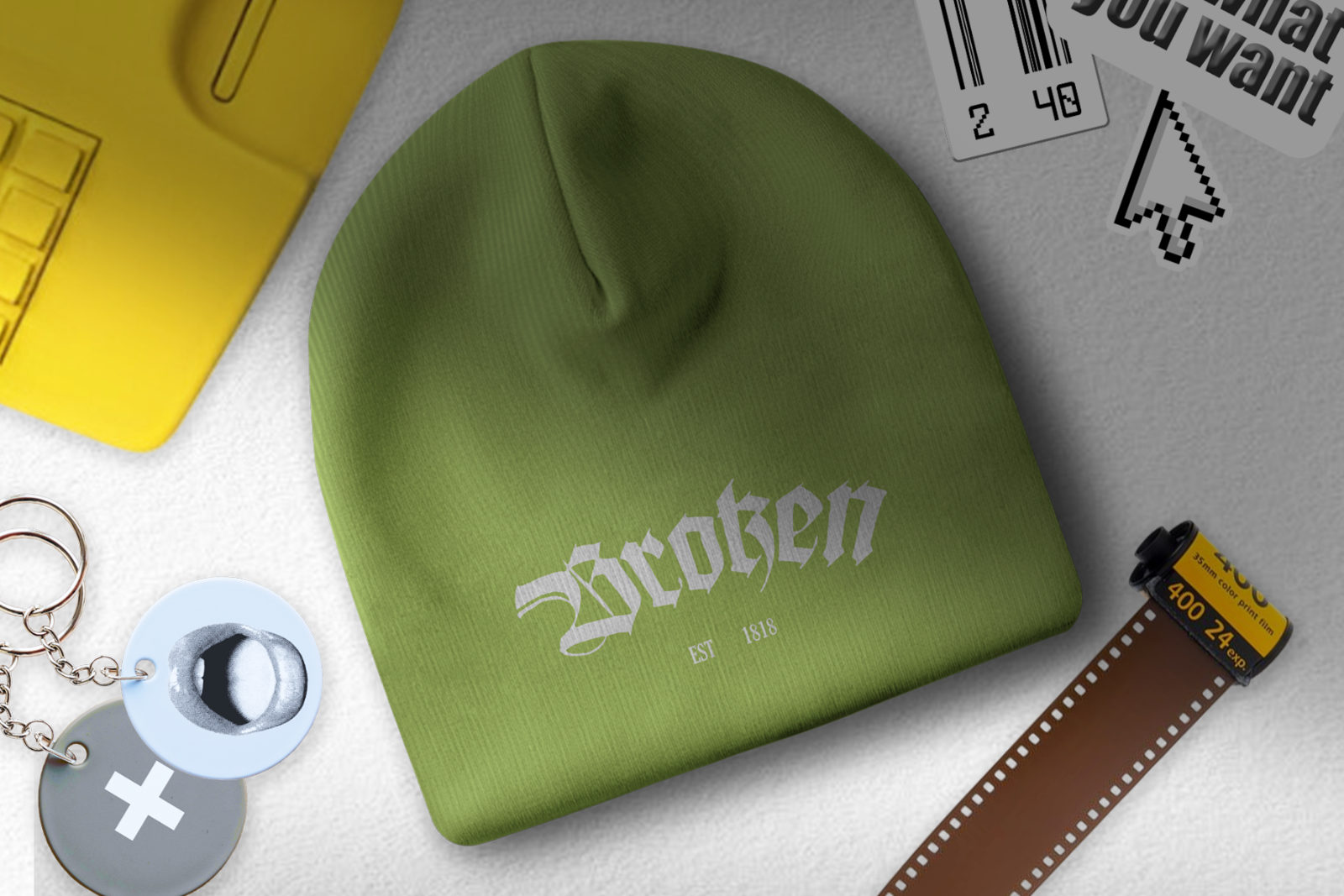
  • Multiple angles: front view + angled view + close-ups/texture + lifestyle scene (based on previews)

Key Features

  • Smart Objects: Yes
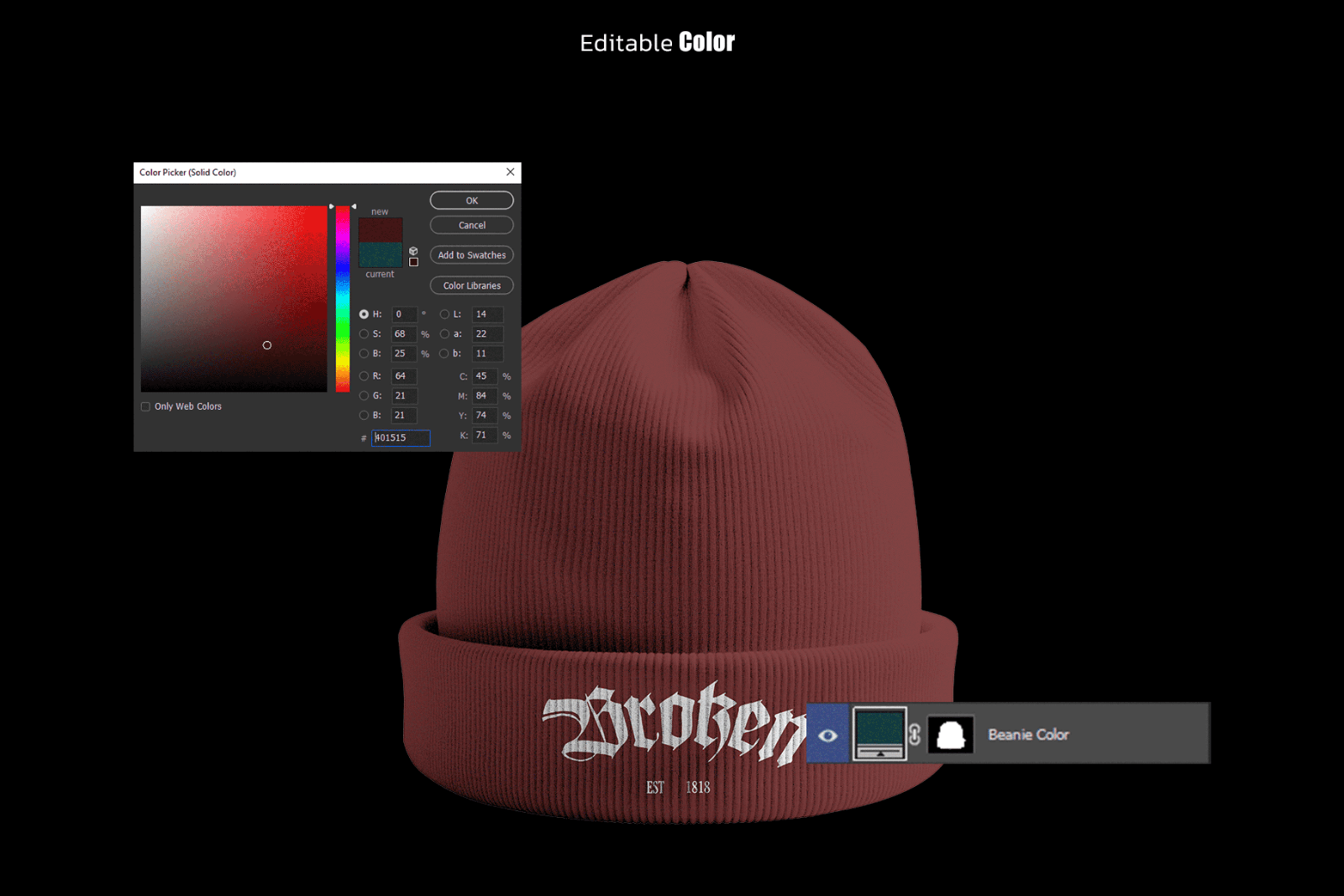
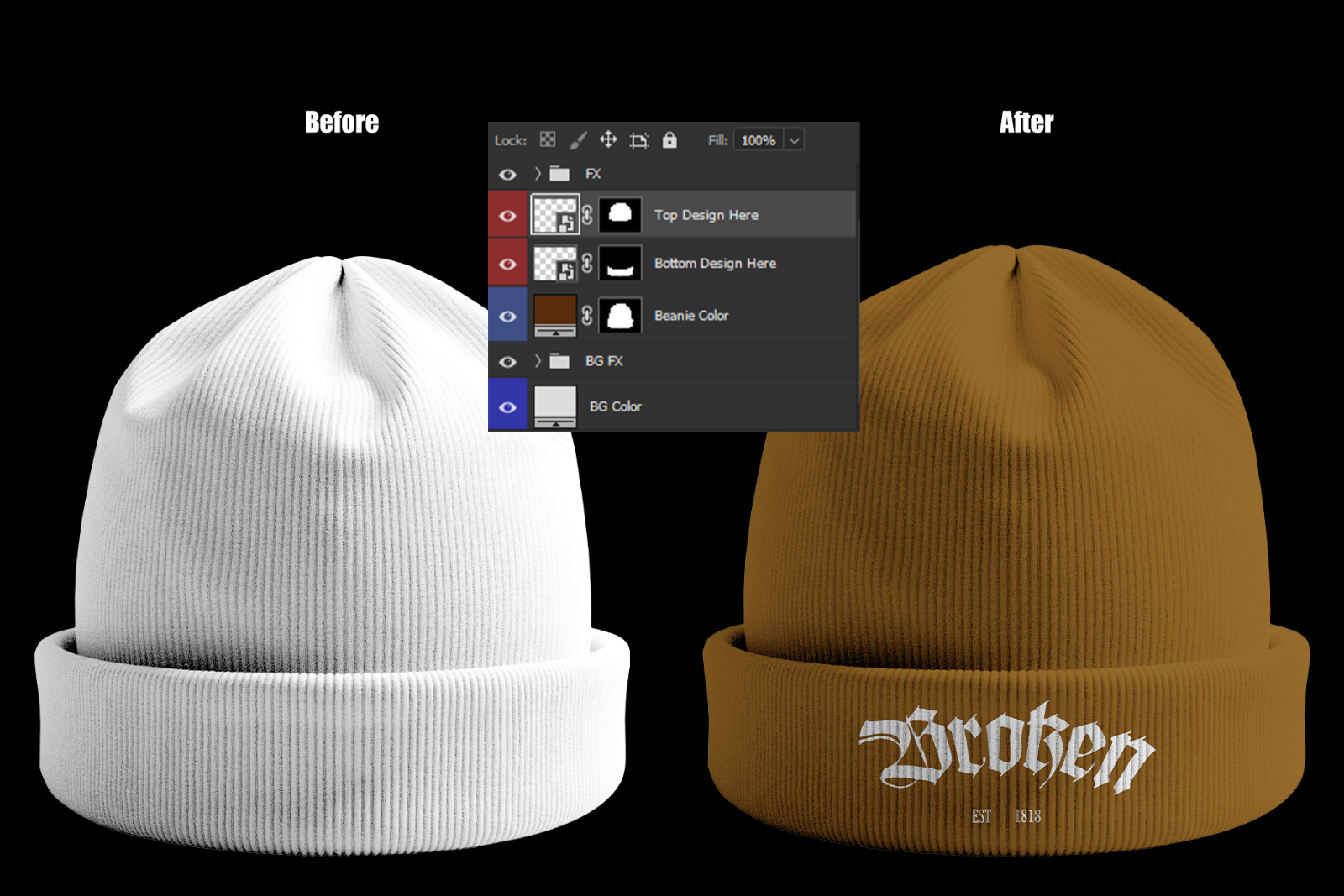
  • Editable beanie color
  • Customizable background / BG color
  • Organized layers
  • Realistic folds + ribbed knit texture detail
  • High-resolution presentation (preview mentions 300 DPI)

Ideal For / Use Cases:

  • Beanie logo & branding presentation
  • Streetwear / fashion lookbooks
  • Ecommerce product images
  • Social media product promos
  • Client mockup presentations

How to Use

  1. Open the PSD in Photoshop.
  2. Double-click the Smart Object layer (Top Design Here / Bottom Design Here).
  3. Paste your design, save, and return to the main PSD.
  4. Adjust Beanie Color and BG Color if needed.
  5. Export as JPG/PNG.

Requirements & Notes
  • Requires Adobe Photoshop 2020+
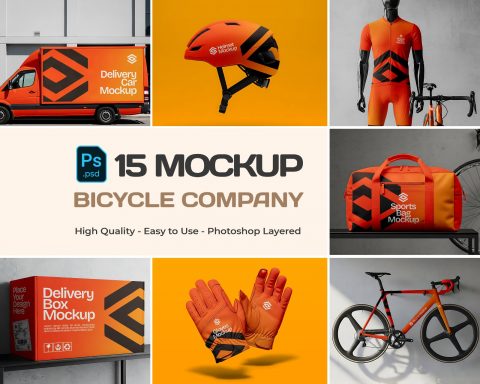
  • Mockup designs and fonts shown in previews are not included
  • Preview images are for demonstration only

Please sign in to post a comment

No reviews found!