Description
Comic Oil Paint Photoshop Action
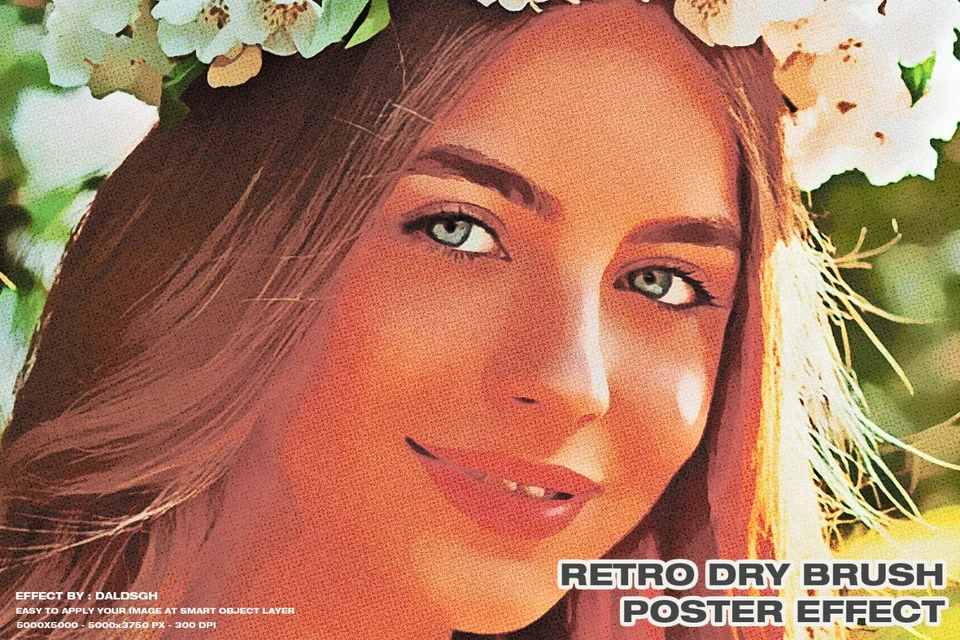
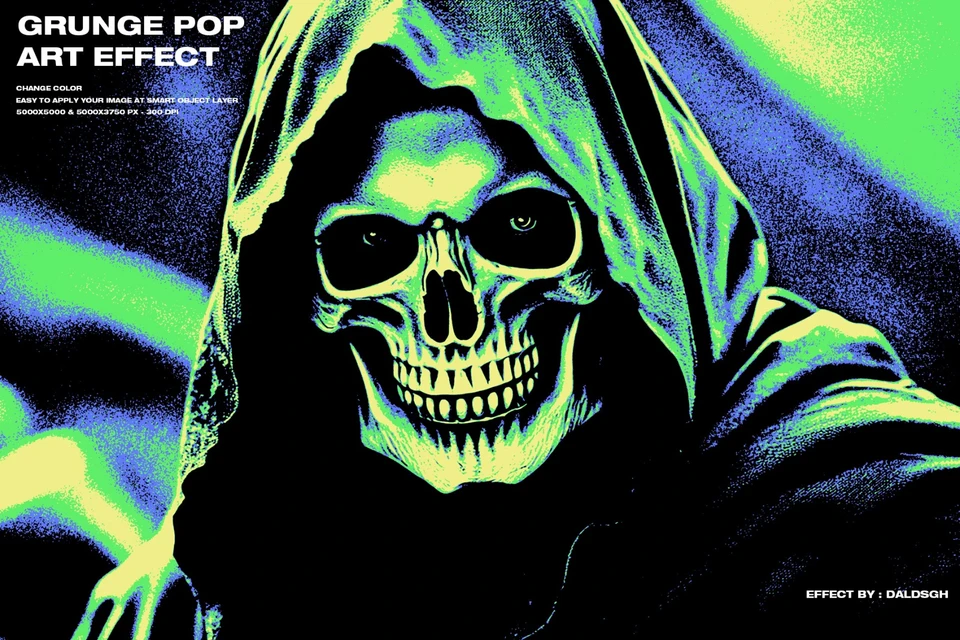
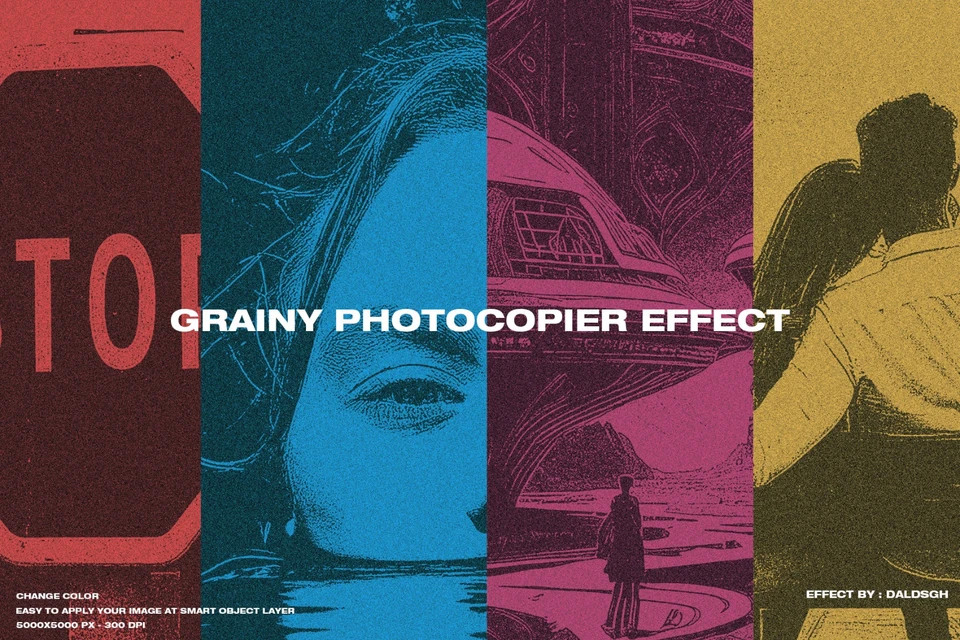
Transform your photos into stunning comic-style oil paintings with just one click! 🎨 The Comic Oil Paint Photoshop Action is designed for photographers, digital artists, and designers who want to add a bold, hand-painted, and vibrant comic look to their images instantly.
Whether you’re creating eye-catching posters, digital illustrations, or unique portraits, this action brings a professional comic-oil effect that is fully editable and easy to customize. Perfect for beginners and professionals alike.
✨ What’s Included in Your Download:
- Photoshop ATN File – The core action that delivers instant painterly comic results.
- Step-by-Step Help Guide (PDF) & Video Tutorial – Quick setup instructions, easy to follow for all skill levels.
🎨 Key Features:
- 9 Different Photo Effects – Multiple styles for unique artistic outcomes.
- 2 Photo Shades – Add depth and variety to your artwork.
- 4 Layer Masks – Enhance realism by refining eyes, lips, noise, and background support photo effect.
- Auto Transparent Mask – Quick cut-out for clean, pro results.
- 12 Color Effects – Wide range of color moods to match your project.
- 1 Customizable Color Halftone – Personalize your comic painting effect with a creative halftone touch.
⚡ How to Use:
- Open your photo in Photoshop.
- Make sure your image is RGB mode and your background layer is named “Background.”
- Load the ATN action file.
- Click the Play button – and watch your photo transform instantly!
Why Choose Comic Oil Paint Photoshop Action?
- Saves hours of manual painting and editing.
- Works for portraits, pets, fashion, weddings, posters, and creative art projects.
- Professional quality with full customization options.
Bring your photos to life with a comic-inspired painterly look—bold, creative, and unforgettable!

No comments yet — start the conversation.
More like this
Picked from the tags and category of Comic Oil Paint Photoshop Action